HUSKY - Product Filter for WooCommerce
HUSKY es el filtro profesional de productos para WooCommerce (antes conocido como WOOF). Permite a tus clientes filtrar productos por categorías, atributos, etiquetas, taxonomías personalizadas y precio — un plugin imprescindible para cualquier tienda WooCommerce.

¿Para qué sirve este plugin?
HUSKY - Product Filter for WooCommerce (former name is WOOF) has one job: to help your customers find the exact product they came for — in seconds. Instead of scrolling through hundreds of items, visitors narrow the catalog down step by step and land on the product ready to buy. Faster product search means fewer abandoned visits and more completed orders — that is the purpose of this plugin.
HUSKY está construido exclusivamente para WooCommerce — no adaptado como algo secundario. Cada filtro, cada consulta y cada plantilla están diseñados y optimizados en torno a los productos, taxonomías, atributos y variaciones de WooCommerce. Eso le da a HUSKY una ventaja indiscutible frente a los plugins de filtro genéricos que intentan abarcar todo: si necesitas filtrado de productos en una tienda WooCommerce, necesitas una herramienta hecha exactamente para eso.
HUSKY cubre las dos caras del descubrimiento de productos. Junto con el filtro obtienes una búsqueda de productos WooCommerce completa: búsqueda de texto en títulos, contenido, extractos y campos meta, búsqueda por SKU y un formulario de Quick Search. Un solo plugin hace el trabajo de un plugin de búsqueda y un plugin de filtro por separado.

Las herramientas de filtro WooCommerce que obtienes con HUSKY:
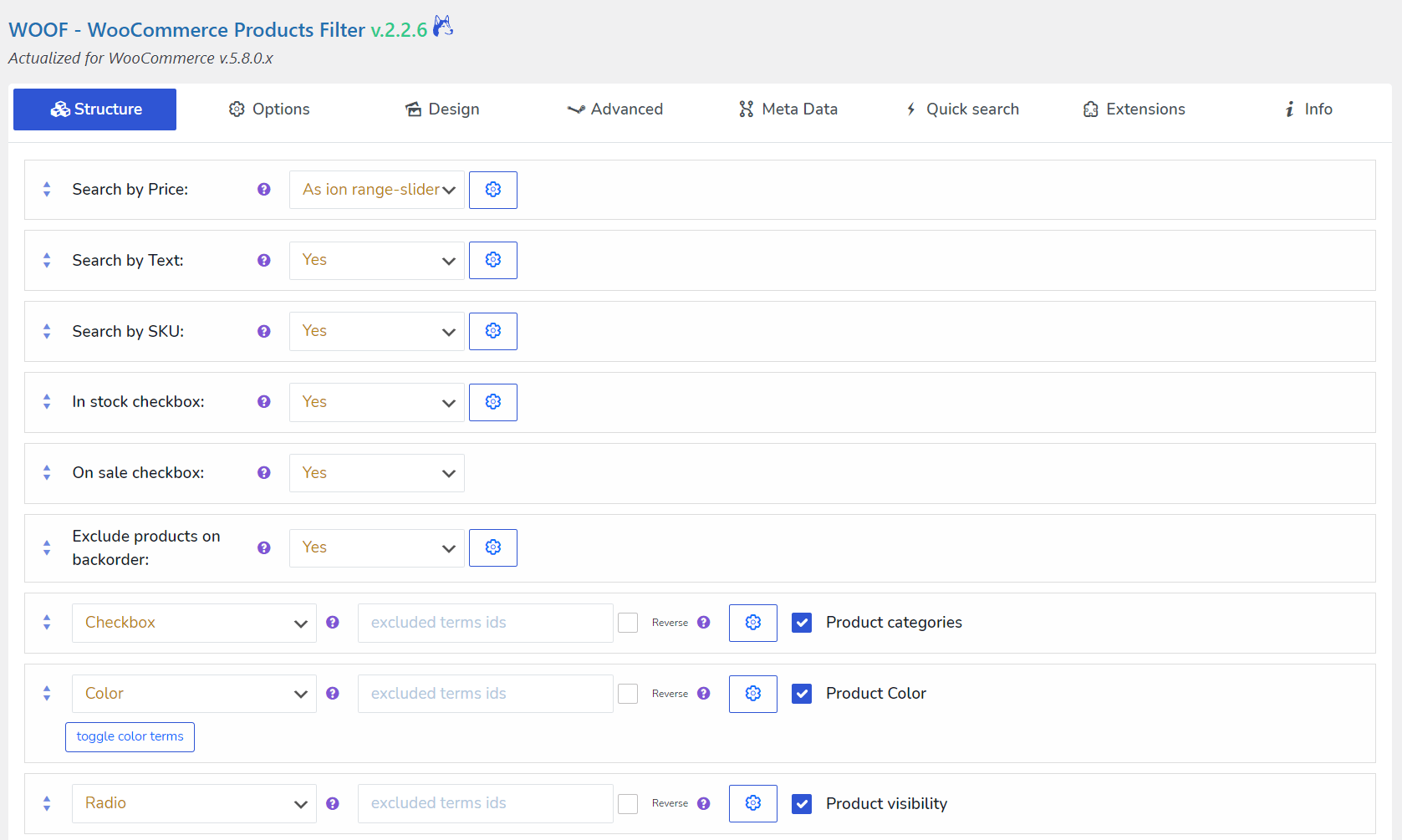
- Constructor de filtros potente: Crea tus propios filtros de productos combinando flexibilidad con funciones avanzadas para la comodidad de tus clientes.
- Búsqueda de productos AJAX: Disfruta de búsqueda y filtrado de productos instantáneos sin recargas de página para una experiencia fluida.
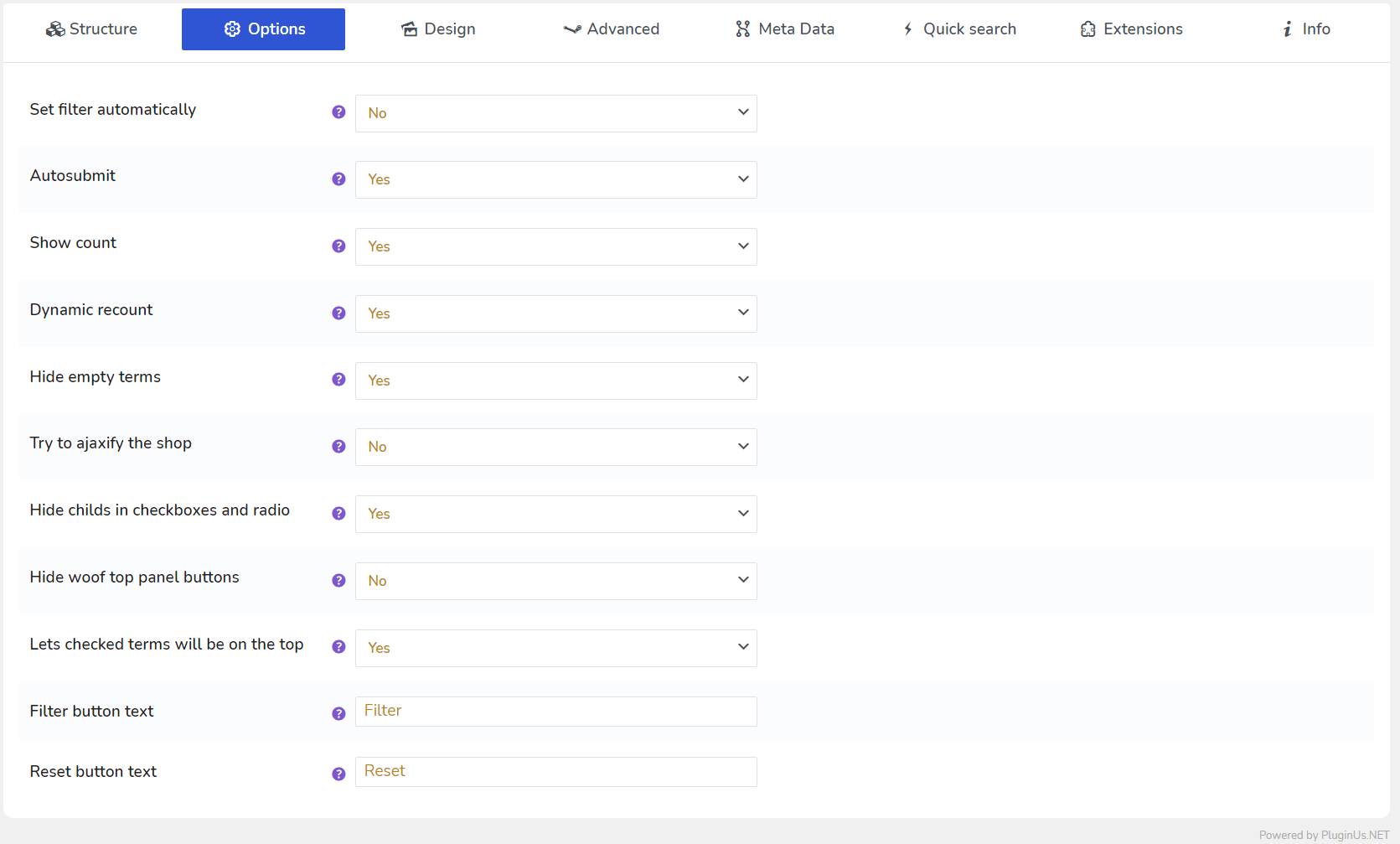
- Recuento dinámico de productos: Actualiza automáticamente la cantidad de productos en los resultados de búsqueda para mayor precisión y comodidad.
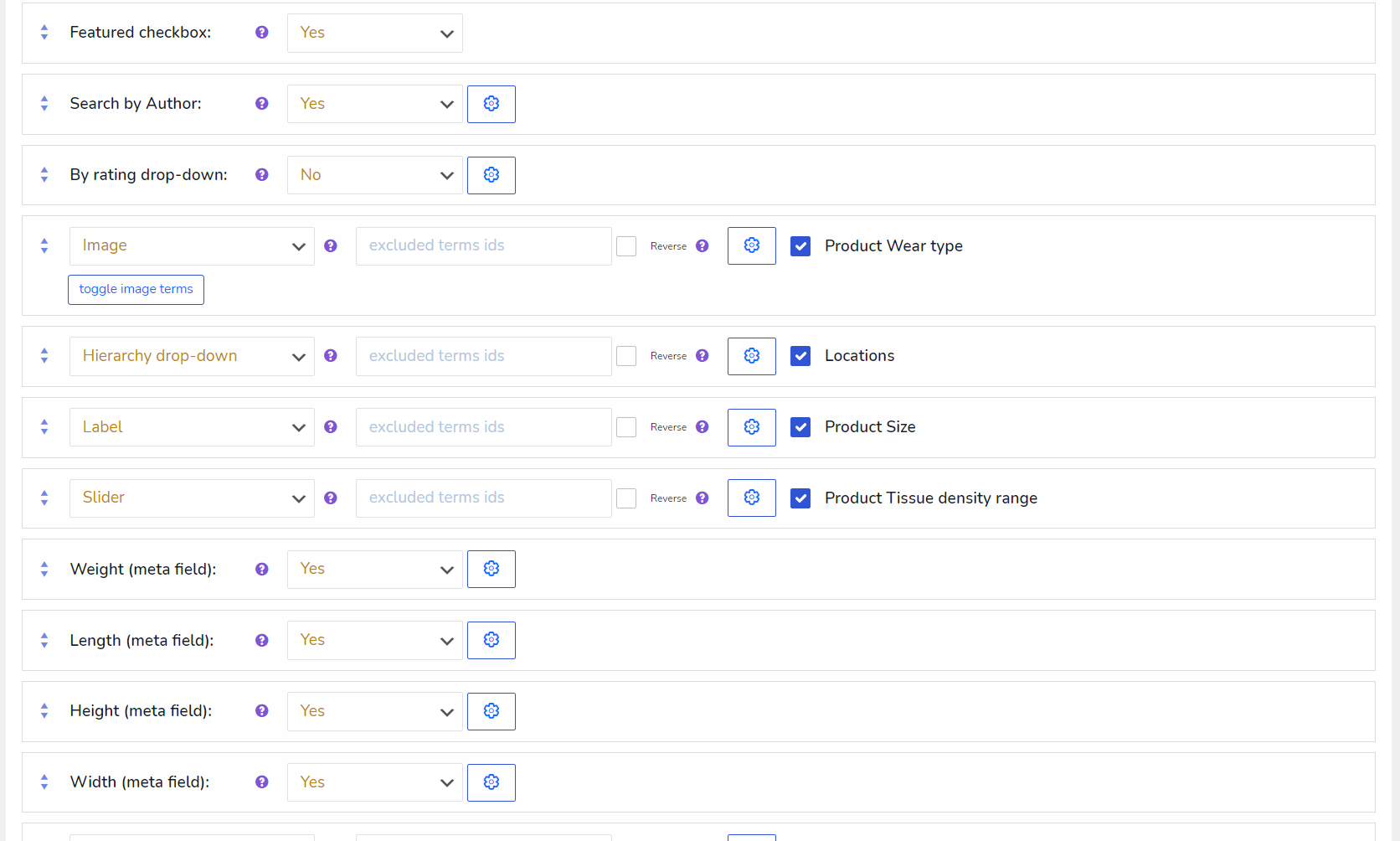
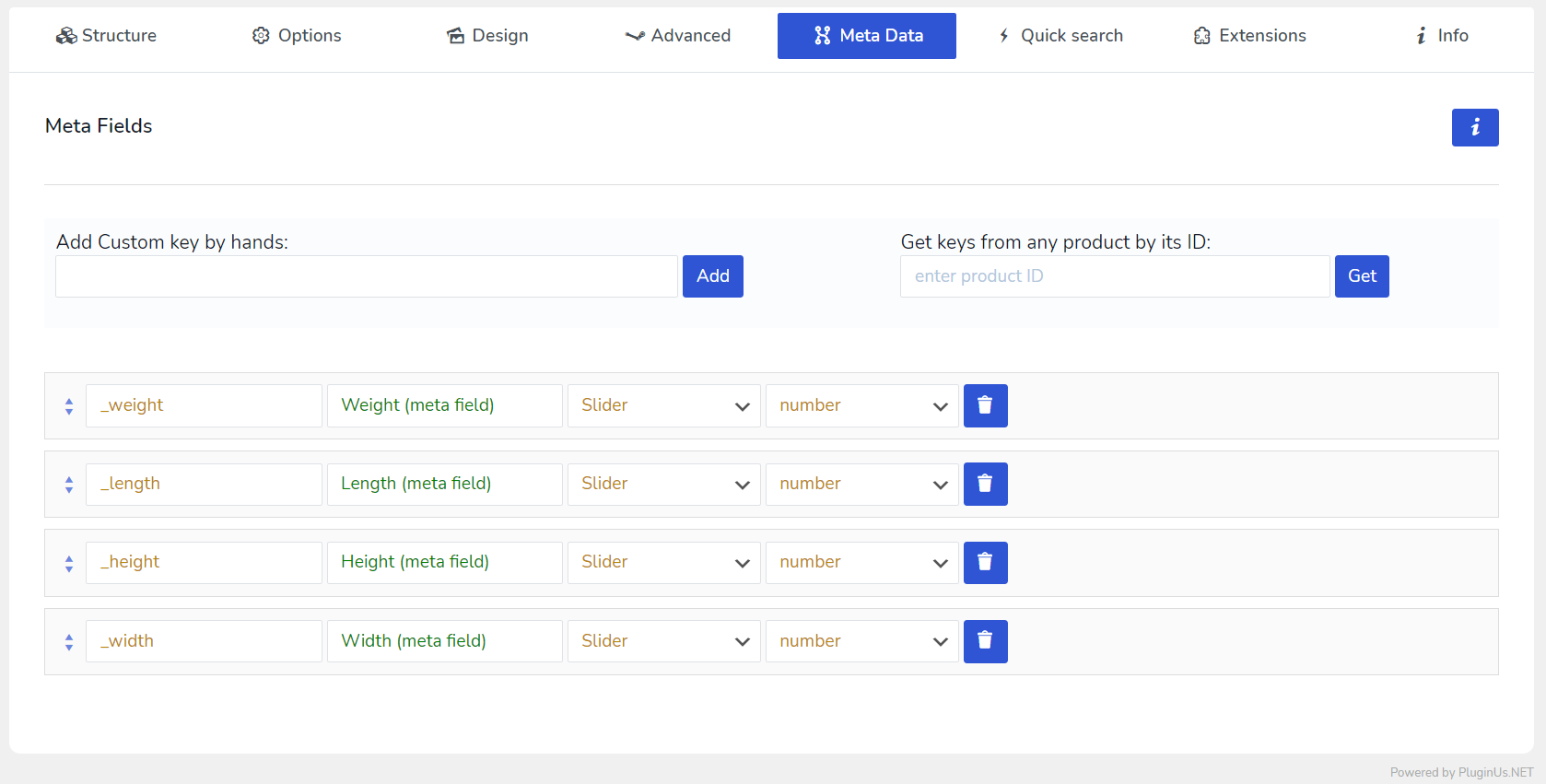
- Filtro por meta datos: Utiliza meta datos para un ajuste preciso del filtro y búsquedas de productos.
- Búsqueda por SKU: Permite a los clientes encontrar exactamente lo que buscan de forma rápida y precisa usando números de SKU.
- Búsqueda por precio: Simplifica la búsqueda de productos por precio, ofreciendo a los compradores una forma fácil de ordenar y encontrar lo que necesitan.
- Enlaces optimizados para SEO: Mantén tu sitio amigable con el SEO con enlaces de filtro optimizados.
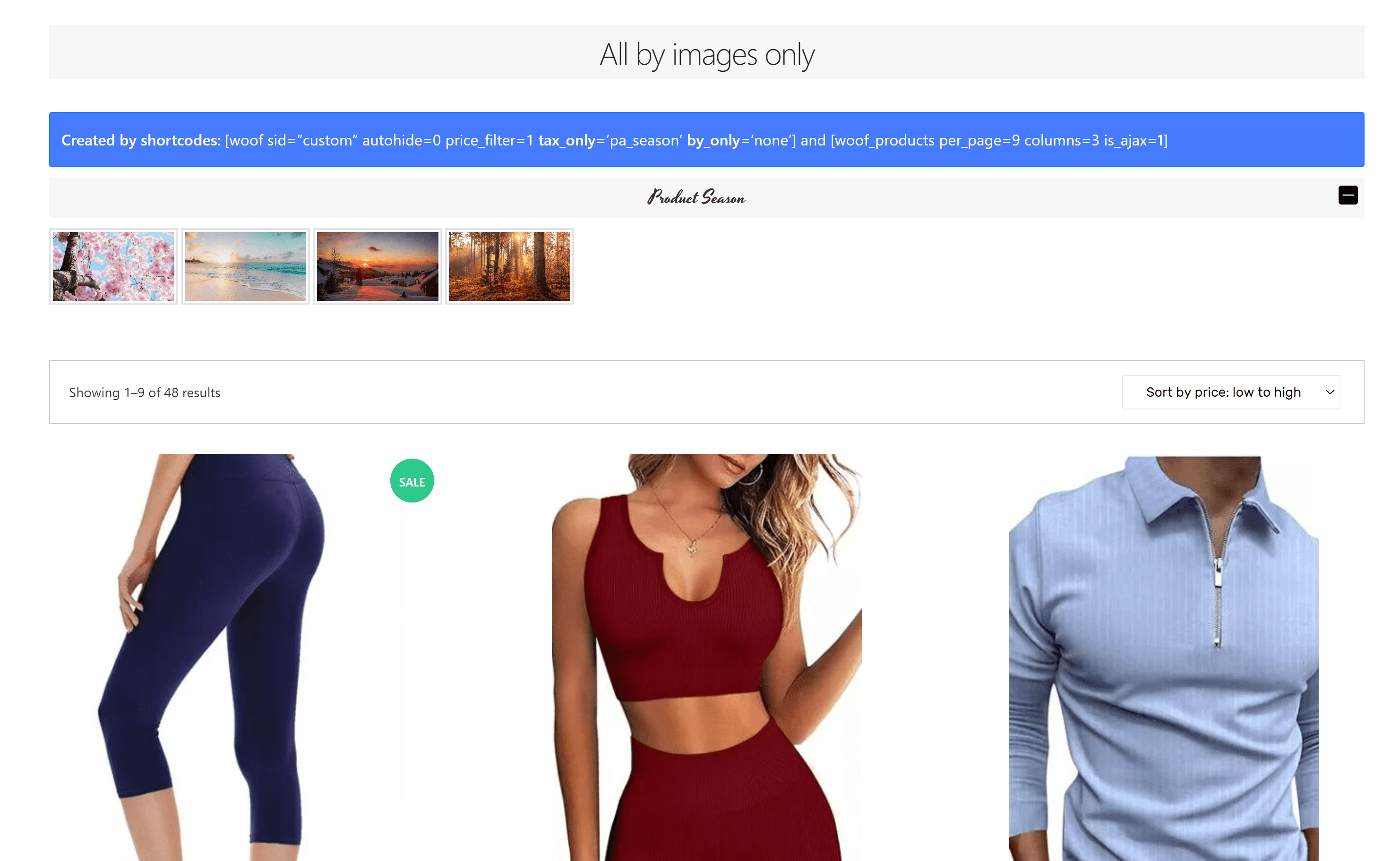
- Filtro por imagen: Presenta productos en los filtros con imágenes para una búsqueda más intuitiva.
- Filtro por color: Utiliza el color para una experiencia de filtrado visual amigable.
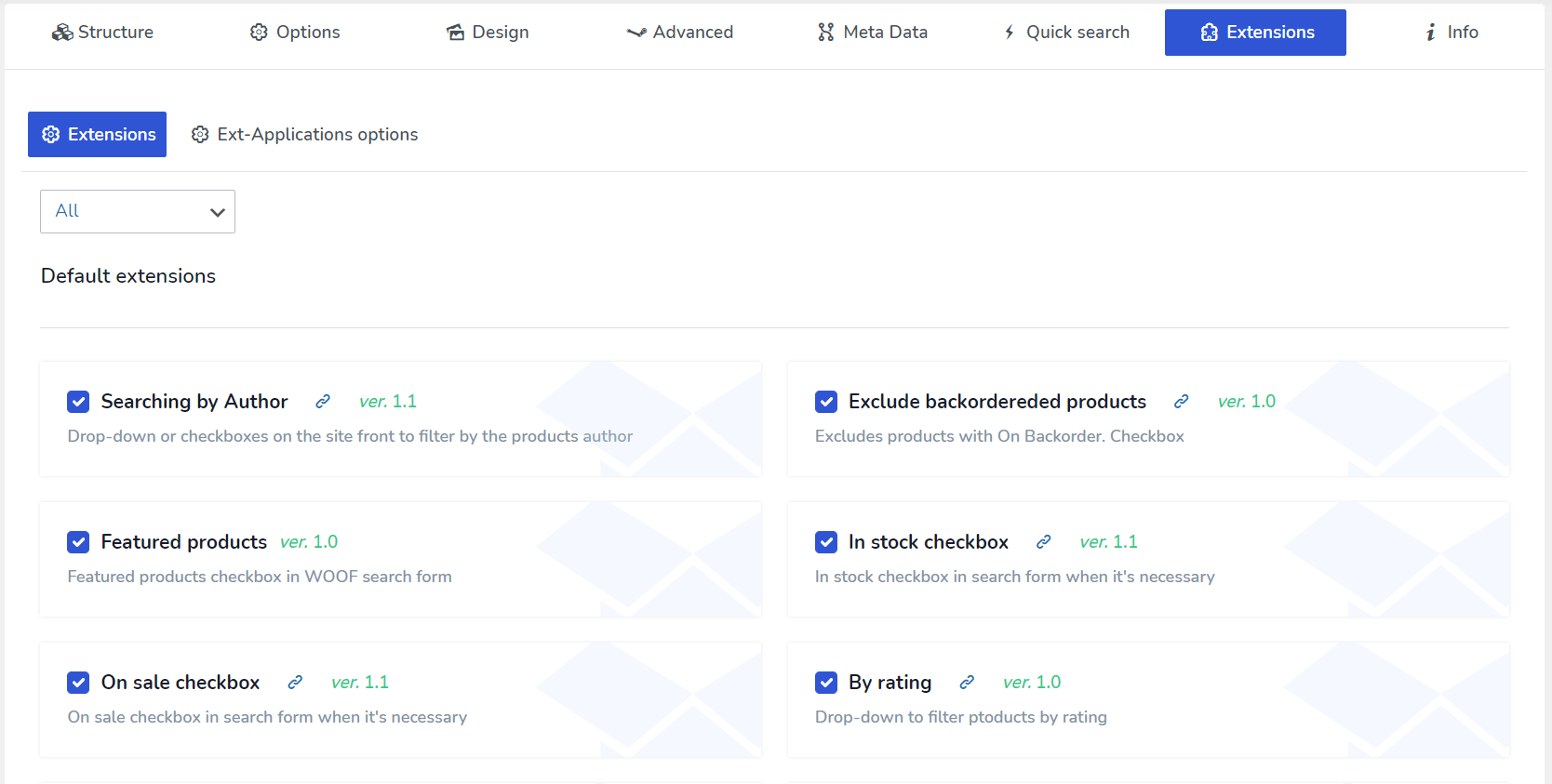
- Extensiones: Amplía las capacidades de tu tienda con nuestros potentes complementos.
- API: Intégralo con nuestra API para aún más flexibilidad y funcionalidad.
Funciones del plugin
Constructor frontal del filtro de productos
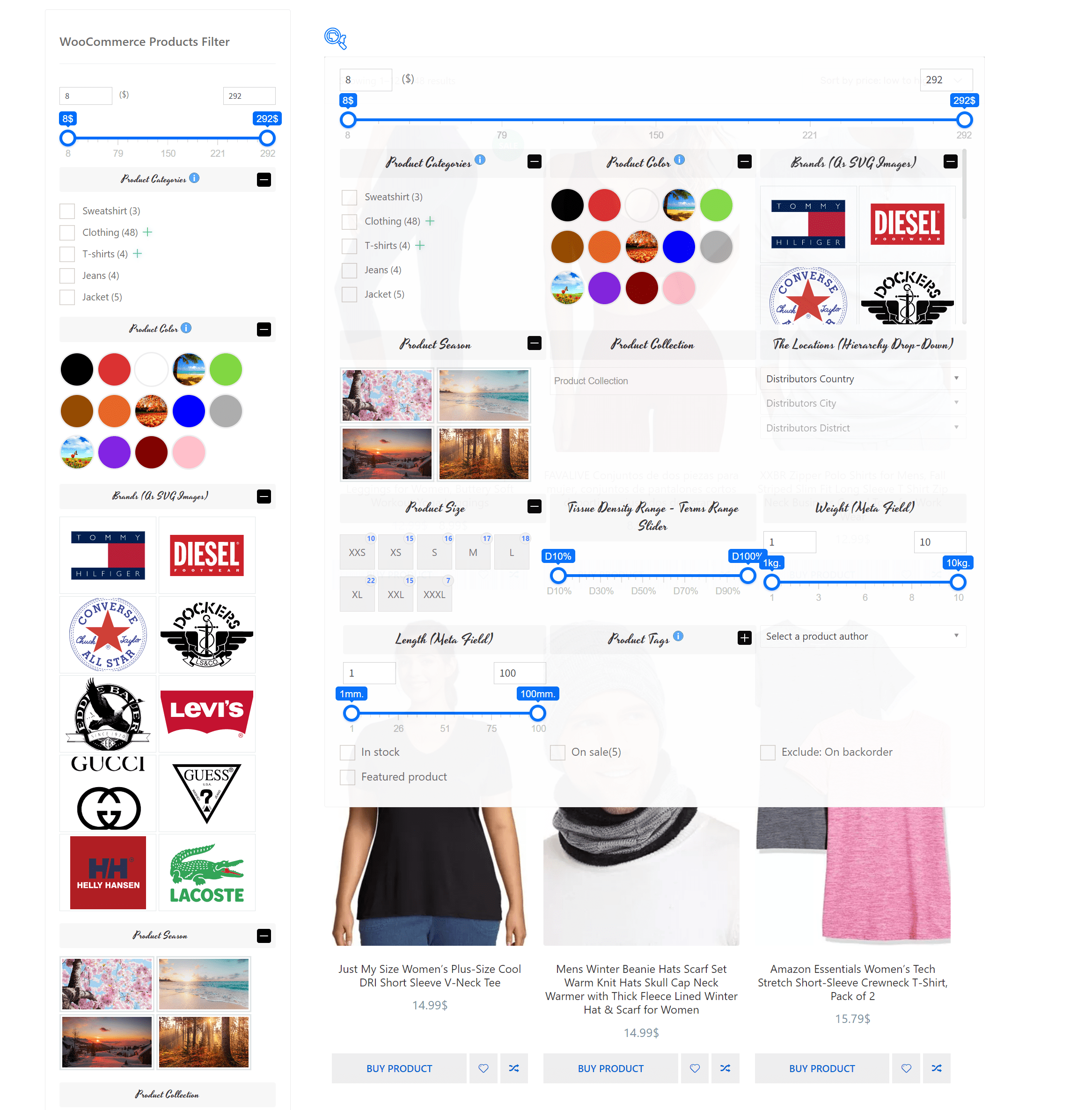
Construye fácilmente un filtro de productos en el frontend de tu web con el shortcode [woof_front_builder name='My Filter']. Vélo en acción en nuestra demo.
Filtro de productos AJAX
Opcionalmente, activa el filtrado de productos WooCommerce sin recargar la página. Esta función es compatible con el 95 % de los temas de WordPress, pero recomendamos probarla antes de desplegarla en tu sitio de producción, ya que su funcionamiento depende de la integración específica con tu tema de WordPress actual y su estructura HTML.
Filtrar por categoría
Filtra productos de WooCommerce por categoría, etiqueta o taxonomía personalizada. Las categorías jerárquicas se muestran como checkboxes anidados, botones radio o cadenas de desplegables, para que los clientes naveguen desde la categoría padre hasta la subcategoría exacta que necesitan.
Filtrar por atributos
Filtra por atributo — talla, marca, material o cualquier atributo personalizado — mostrado como checkboxes, botones radio y desplegables o, en la versión premium, como muestras de color e imagen.
Búsqueda de productos WooCommerce
El filtro de texto HUSKY añade búsqueda de productos por título, contenido, extracto, campos meta y taxonomías. Funciona de forma independiente o dentro del formulario del filtro, así la tienda no necesita un plugin de búsqueda aparte.
Shortcode de productos
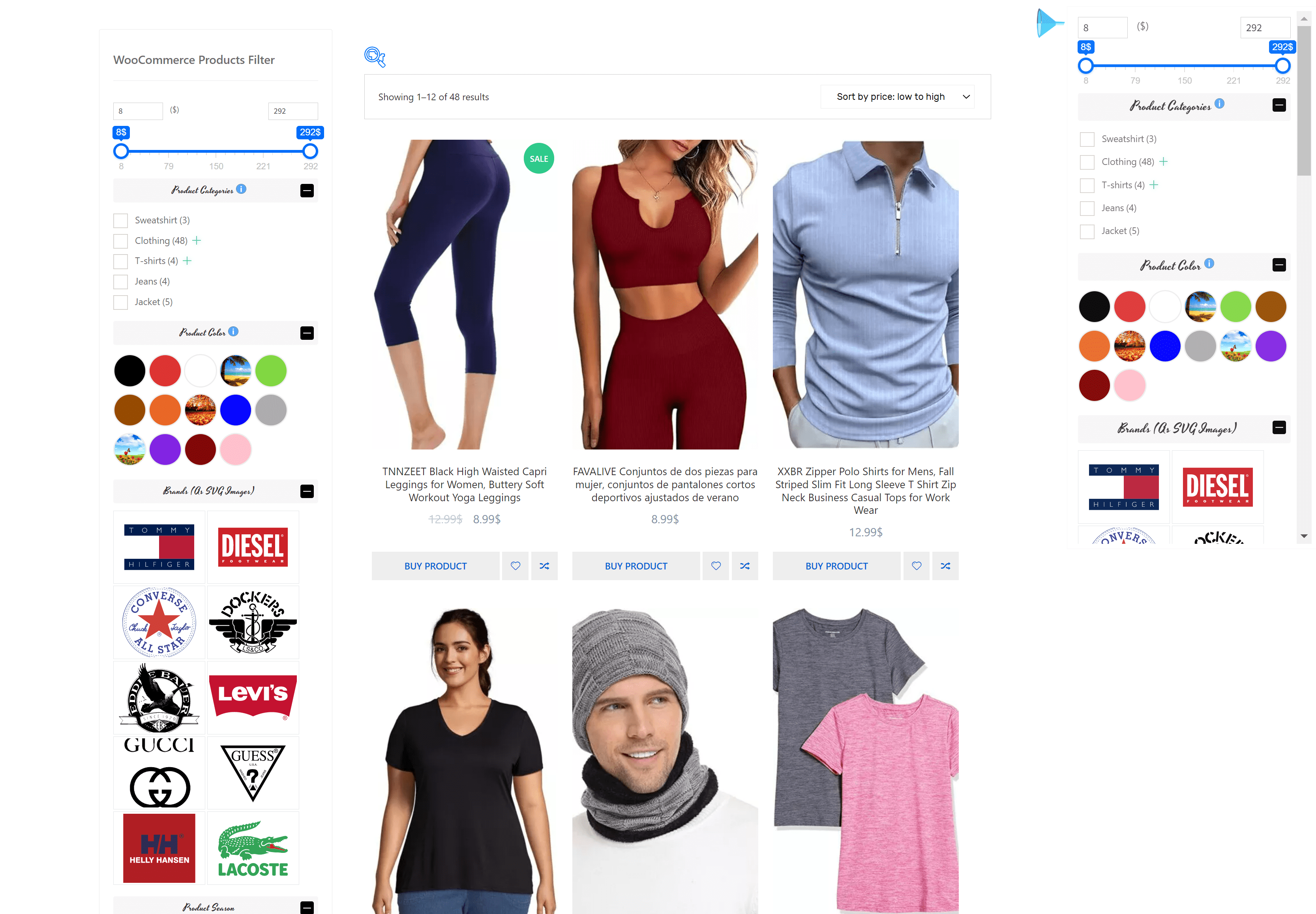
The shortcode [woof_products per_page=8 columns=3 is_ajax=1 taxonomies=product_cat:9] te permite mostrar y filtrar productos específicos en una sola página o dentro del contenido de un post. Los productos se pueden filtrar tanto en modo redirección como AJAX para una experiencia fluida. Además, con el atributo de shortcode custom_tpl, puedes usar plantillas personalizadas, proporcionando gran flexibilidad para diversos proyectos.
Recuento dinámico de productos
Esta potente función muestra la cantidad de variantes relevantes que se encontrarán si se selecciona un elemento HTML concreto en el formulario de búsqueda del filtro de productos. Mejora la experiencia del usuario proporcionando retroalimentación de resultados en tiempo real durante el proceso de búsqueda.
Enlaces SEO
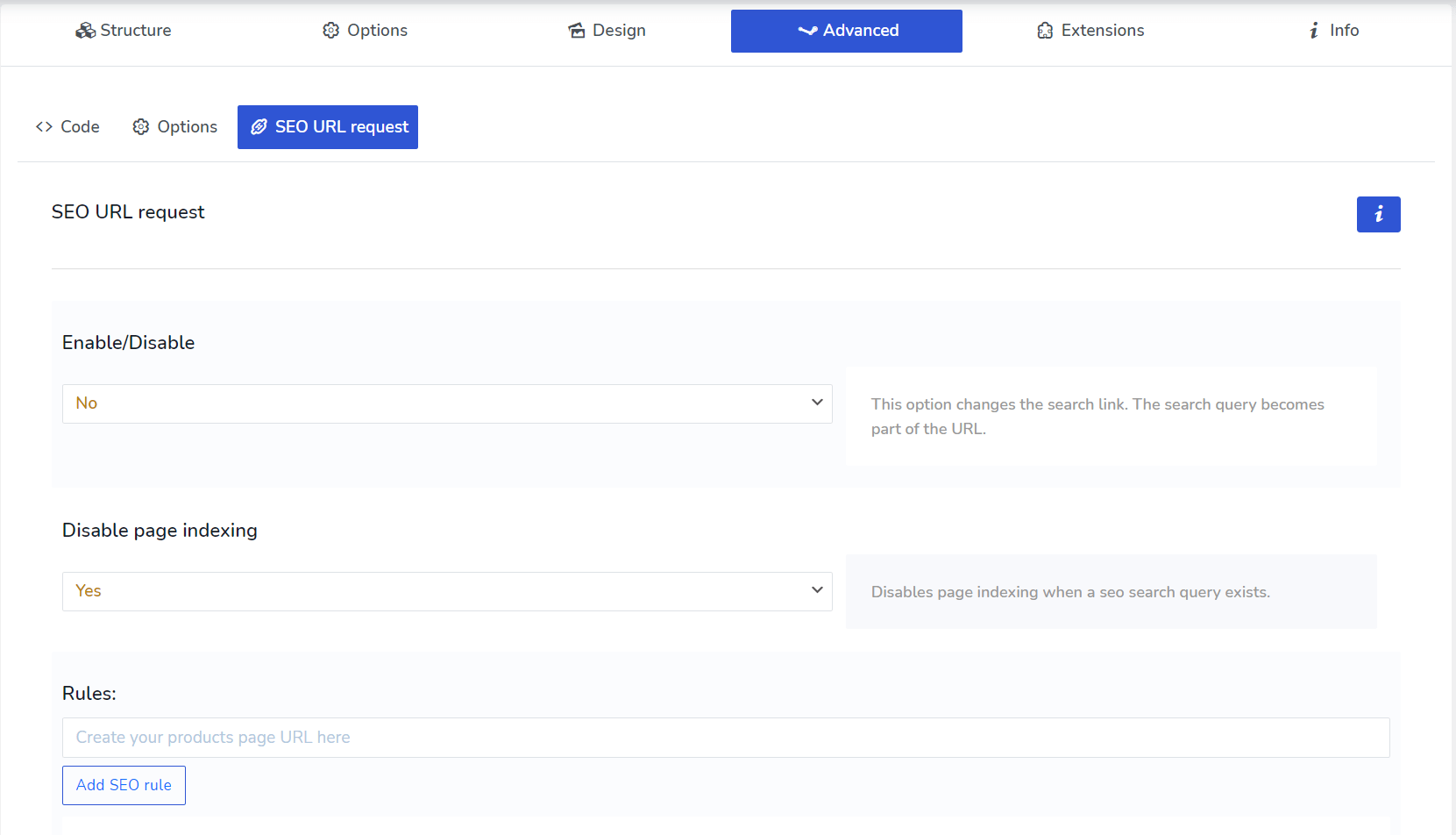
Mejora la visibilidad de tu tienda en los buscadores con la extensión especial de HUSKY SEO URL Request. Esta herramienta permite a tu tienda generar enlaces de búsqueda amigables con el SEO, lo que puede mejorar el posicionamiento de tu sitio en Google y otros buscadores.
Filtro de precio
Disponible como deslizador de rango o como menú desplegable para seleccionar rangos de precio.
Filtrar por meta datos
Utiliza la funcionalidad especial del plugin en la página de ajustes para incorporar datos de campos meta (tipos texto y número) en el flujo de búsqueda.
Filtrar por campos ACF
Filtra productos usando campos ACF. Los tipos compatibles incluyen select, radio y true_false.
Búsqueda por SKU
HUSKY permite filtrar los productos de la tienda por SKU, ya sea como parte del formulario de búsqueda completo o usando el shortcode especializado [woof_sku_filter].
Widget o shortcode del filtro de productos
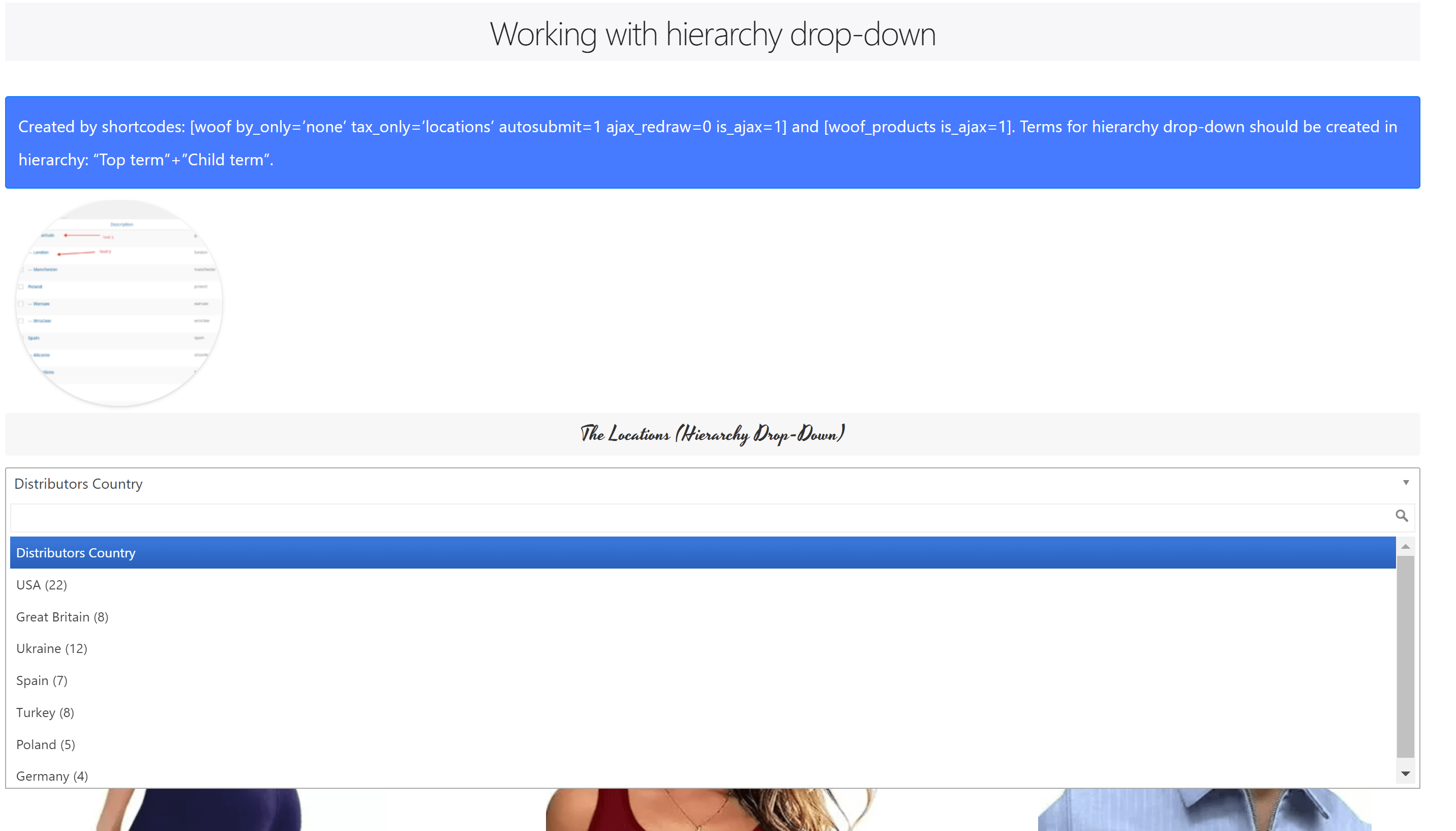
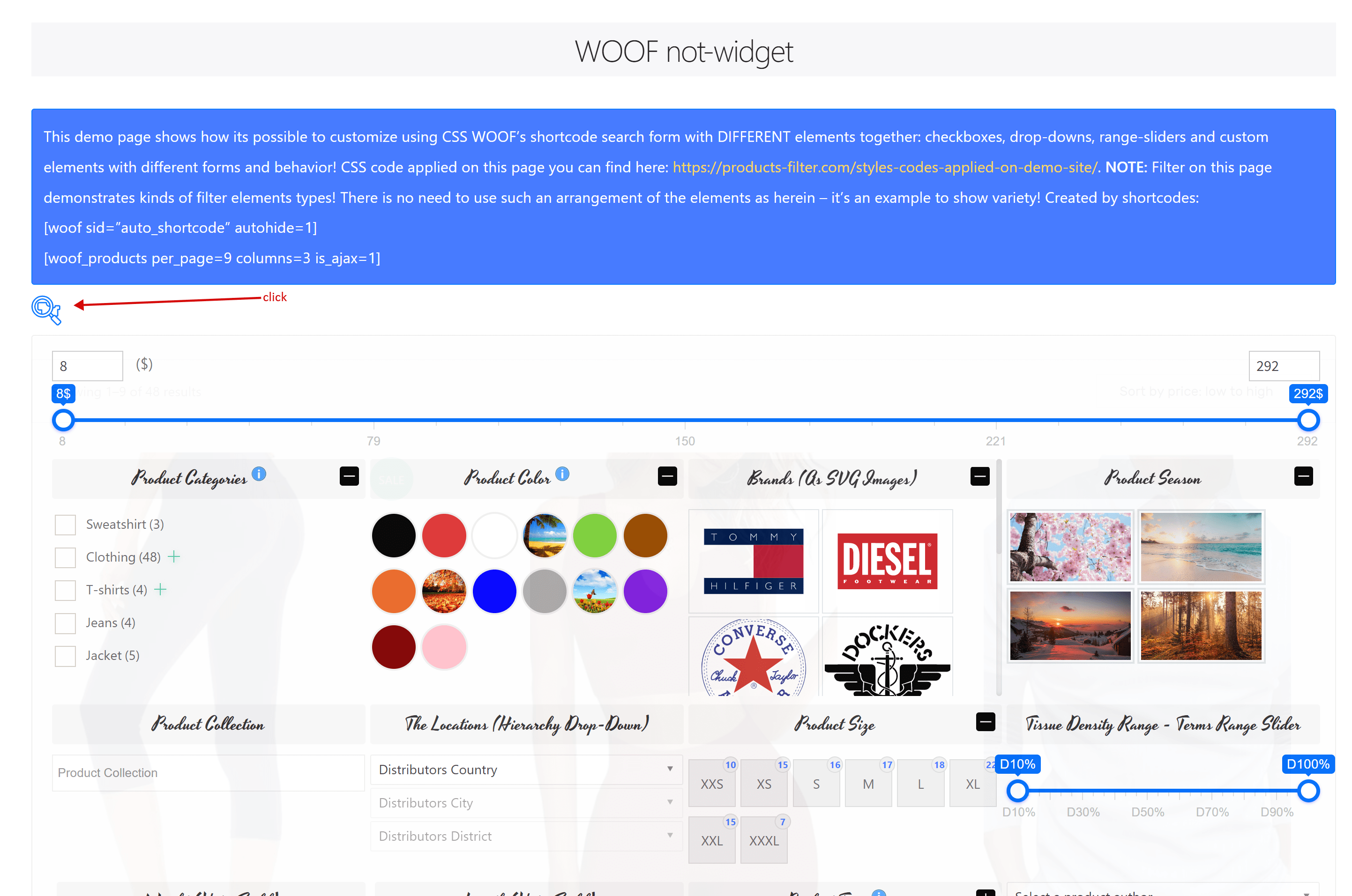
El filtro de productos HUSKY se puede implementar como shortcode o como widget. El shortcode especial [woof] te permite insertar el filtro de productos en cualquier parte de tu sitio. Permite mostrar las taxonomías y atributos de productos como botones radio, checkboxes, desplegables y multidesplegables. En la versión premium, hay opciones adicionales para mostrar color, imagen, etiqueta, desplegable jerárquico, deslizador de rango y checkboxes en desplegable.
Filtrar por imagen
Las imágenes se pueden utilizar como elementos HTML para el filtrado de productos dentro del formulario de búsqueda.
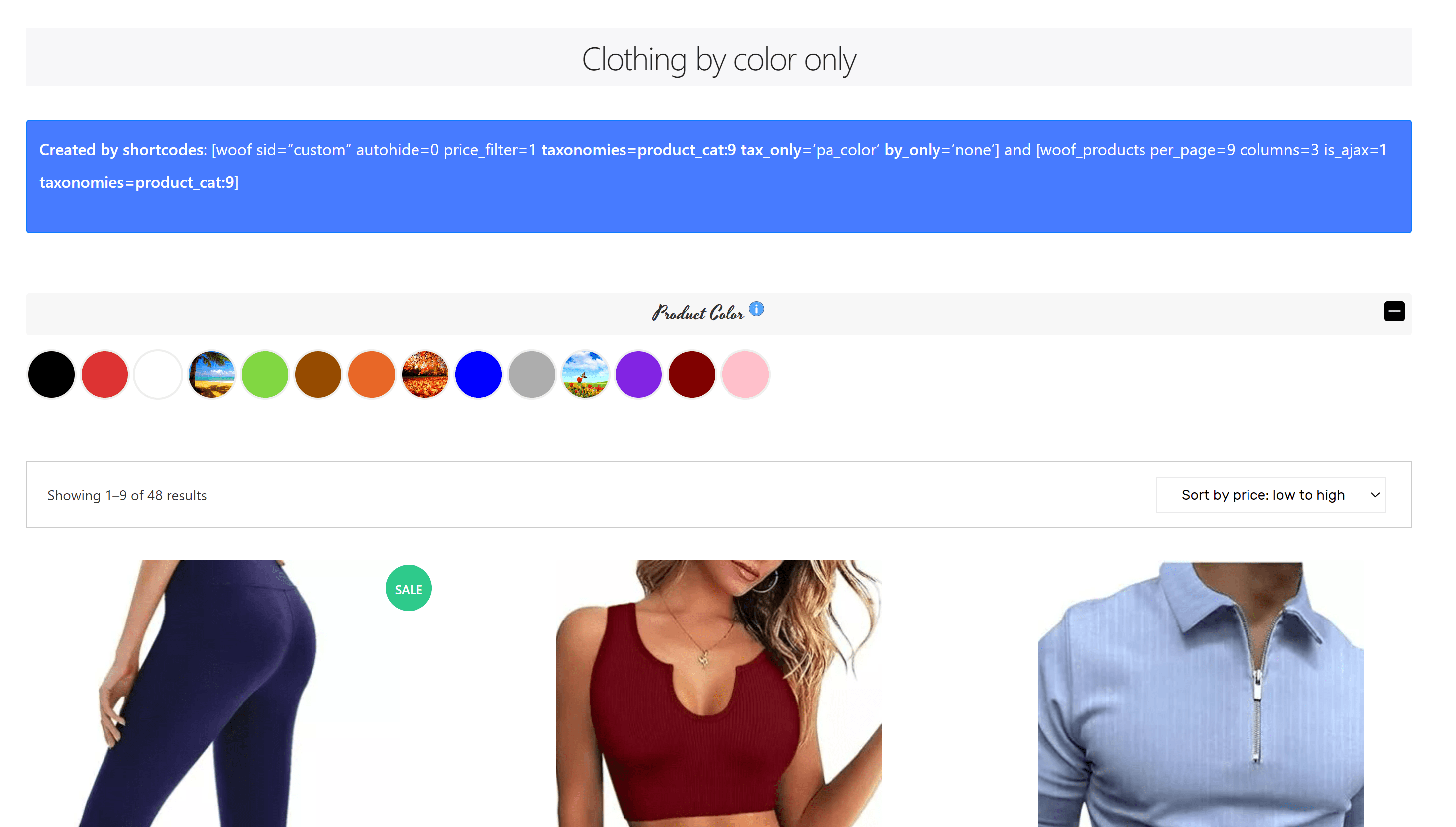
Filtrar por color
Los colores se pueden mostrar como elementos HTML del filtro de productos en el formulario de búsqueda.
Estadísticas
Obtén información analizando los datos de búsqueda para comprender mejor los intereses de tus clientes. Utilizar esta información puede contribuir significativamente al crecimiento de tu negocio.
Guardado de consultas de búsqueda
Esta extensión permite a tus clientes guardar sus combinaciones de búsqueda y acceder a ellas fácilmente en el futuro con un solo clic. Esta función hace que tus clientes estén más informados y comprometidos con los productos de tu tienda.
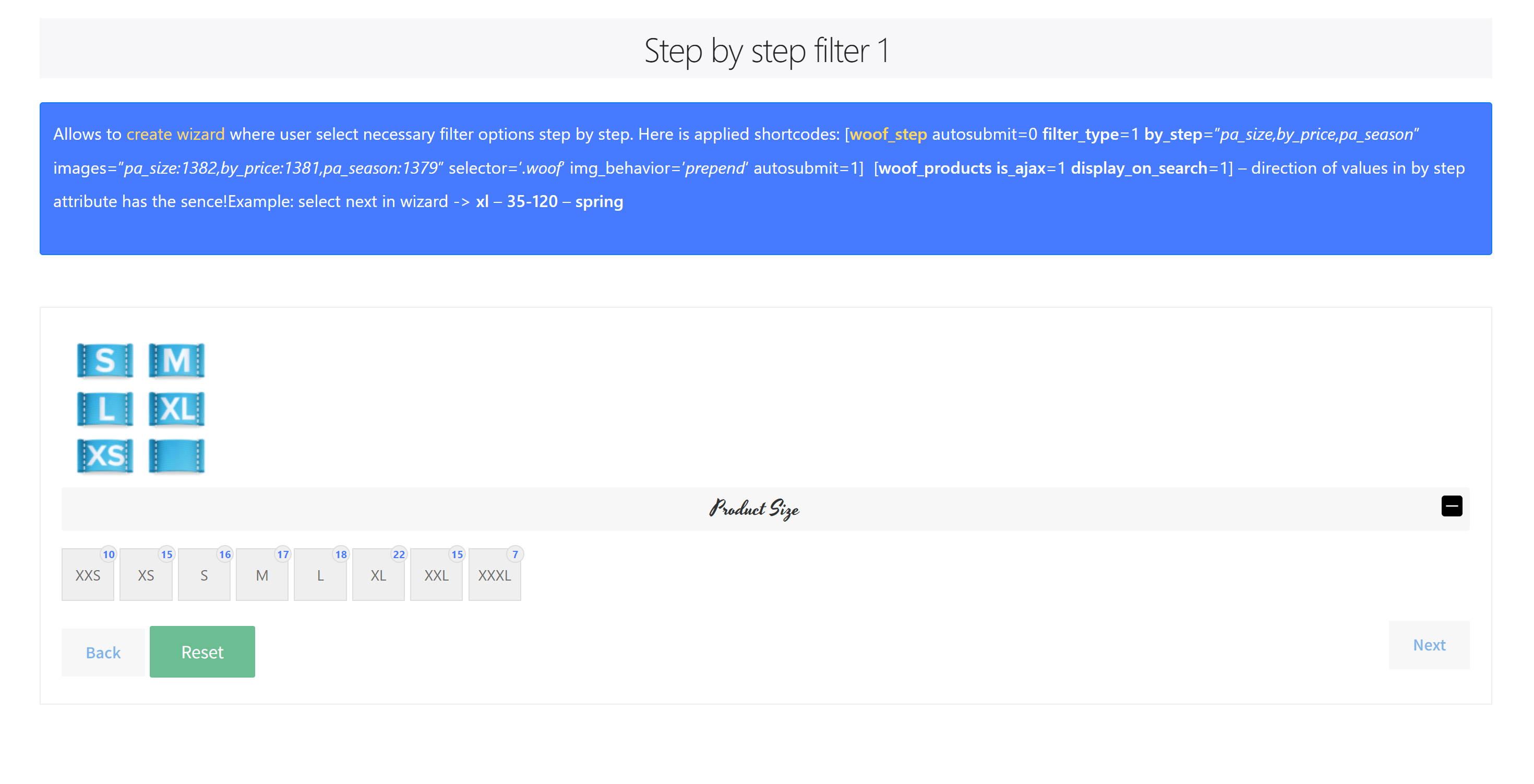
Filtro de productos paso a paso
Esta tecnología te permite crear un asistente de producto para los clientes de tu tienda, permitiéndoles seleccionar los productos que desean comprar paso a paso. Explora las páginas demo: page#1 and page#2.
Scroll infinito
Esta función permite la carga y visualización automática de productos WooCommerce en las páginas de tienda y catálogo, eliminando la necesidad de hacer clic en botones de paginación.
Turbo Mode
Este modo mejora el rendimiento del sitio evitando la generación de consultas MySQL grandes durante el filtrado de productos en el frontend.
Búsqueda rápida
Esta extensión permite funcionalidad de búsqueda instantánea independientemente del número de productos. Funciona sin necesidad de AJAX ni recarga de página.
Product Messenger
This extension enables your logged-in customers to subscribe to specific product filter combinations, keeping them informed about the arrival of exact products they wish to buy in your shop. It can be used both as a widget and as a shortcode [woof_products_messenger].
Checkbox and Radio Skins
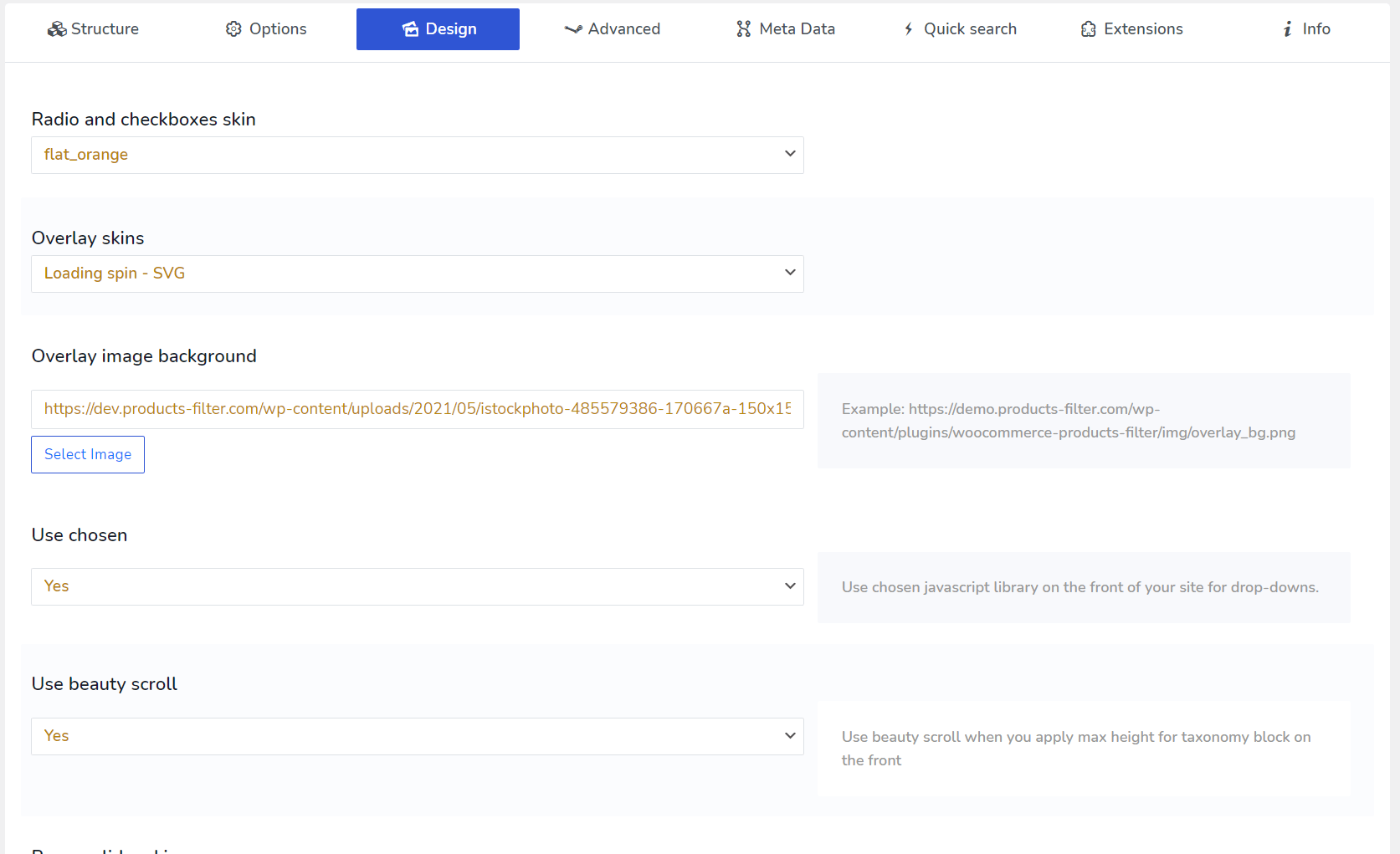
Various skins can be selected for the radio buttons and checkboxes HTML elements.
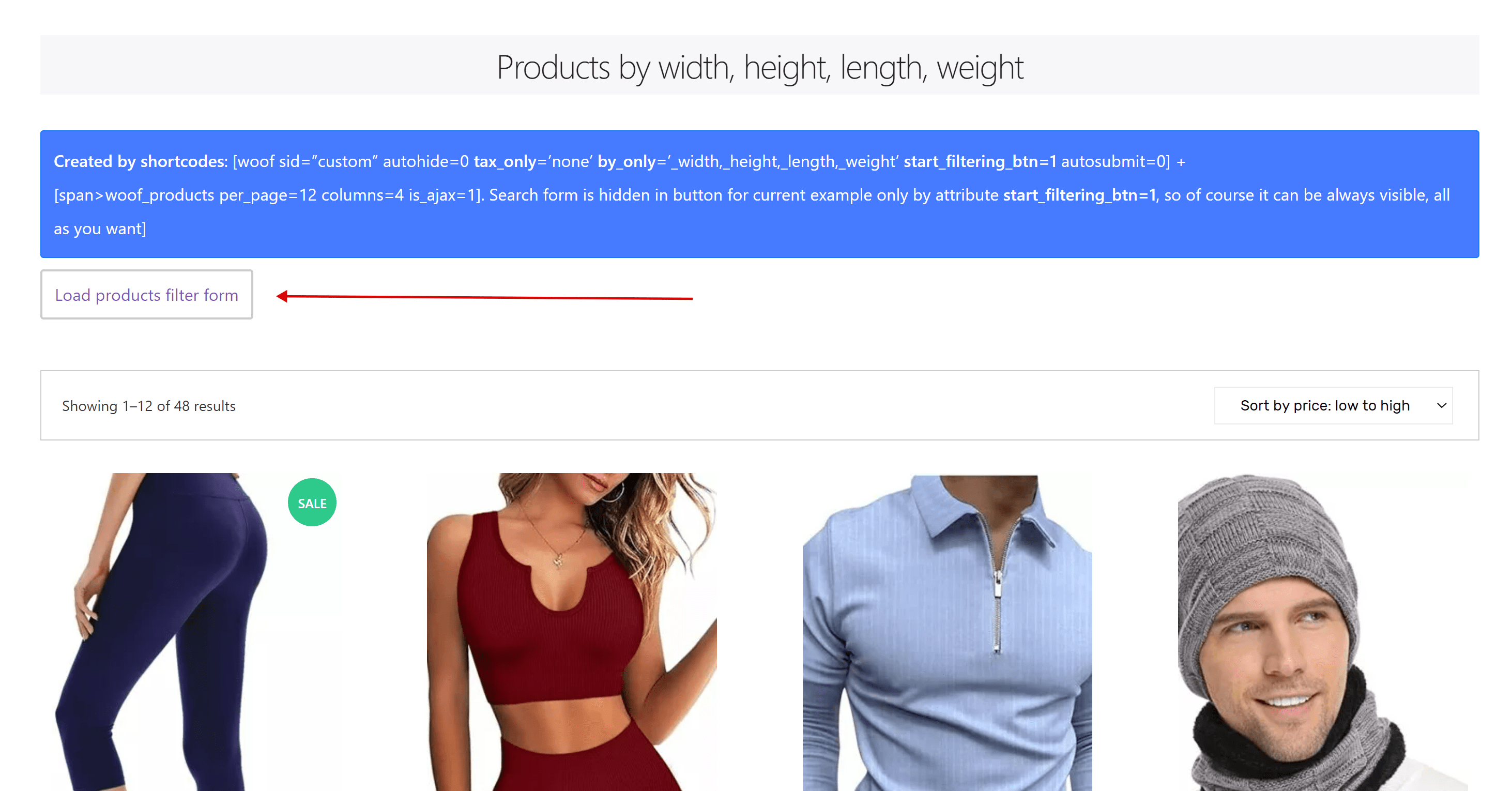
Hidden Search Form
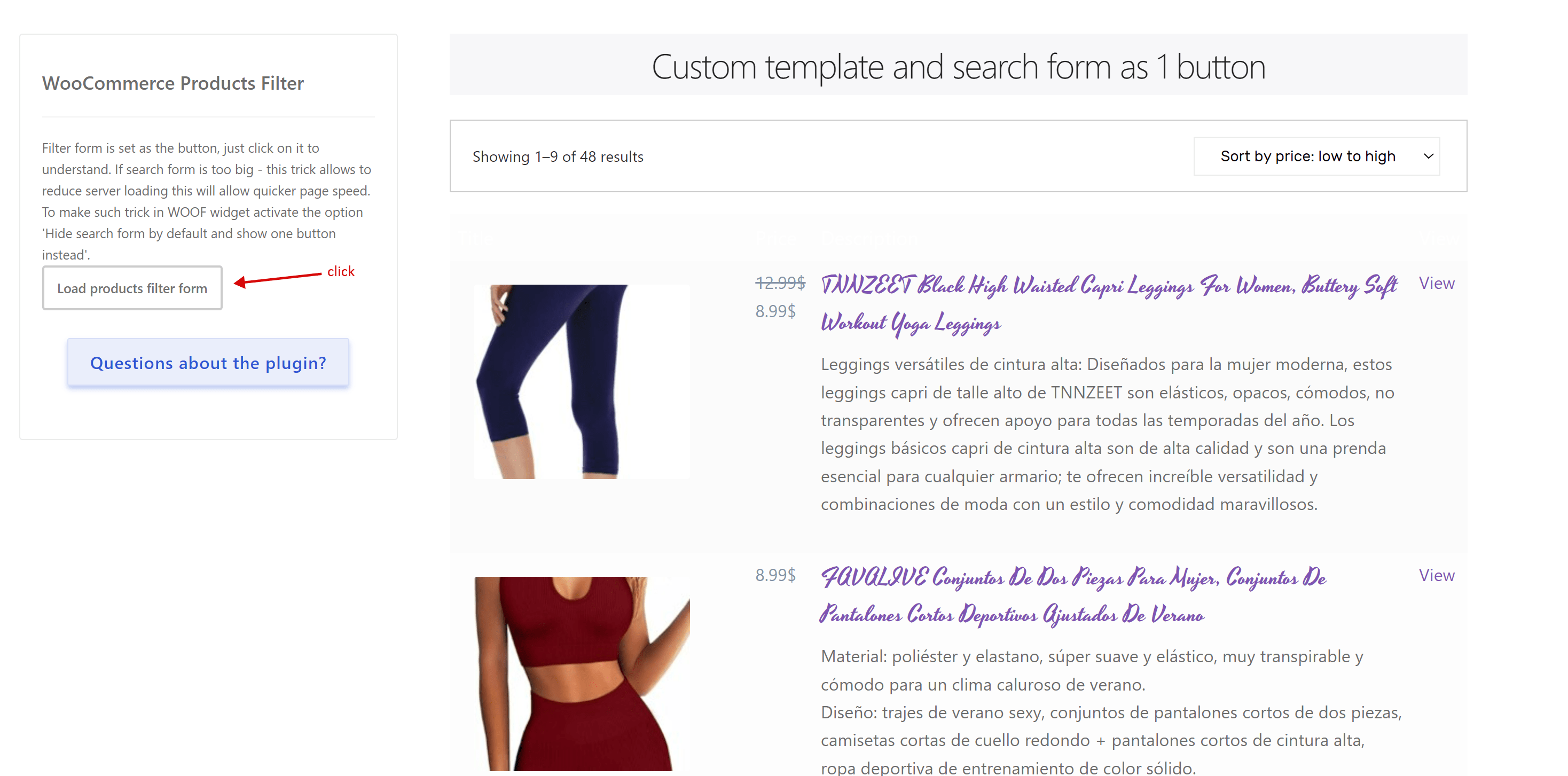
Display the search form as a concealed element, accessible through a BUTTON.
Custom Layout Templates
Offers the ability to create custom layout templates for products and use them with the shortcode [woof_products] in both ajax and redirect modes. See the attributes custom_tpl and tpl_index for more details.
ChatGPT friendly plugin
Ask help to ChatGPT about the plugin features using the plugin former name WOOF, example: "what attribute to use to make redirection in woof shortcode".
Extensions for Developers
Developers can create a variety of extensions for the plugin. For code examples, refer to the 'ext' folder of the plugin.
WooCommerce API Integration
HUSKY utilizes the native WooCommerce API, ensuring compatibility and seamless integration with other plugins developed for WooCommerce.
Works with Elementor and Divi
HUSKY filters products rendered by Elementor, Divi and other page builders. If your builder outputs the product grid through its own template, a small snippet connects it to the filter — see how to make page builders filterable.
Compatibility with Currency Switcher
Compatible with WOOCS - WooCommerce Currency Switcher.
Compatibility with Active Products Tables
Compatible with WOOT - WooCommerce Active Products Tables.
Compatibility with Taxonomy Chain Menu
Compatible with Taxonomy Chain Menu.
WPML Compatibility
WPML compatibility for multilingual WooCommerce stores.
Simple and Rich Options Panel
A straightforward yet feature-rich and robust options panel.
Wide API Documentation
HUSKY provides extensive API documentation available in the CODEX.
PHP
PHP 7.4.x - 8.x full compatibility.
Soporte
✔ Exceptional technical support, expertly handling vast amounts of code every day!
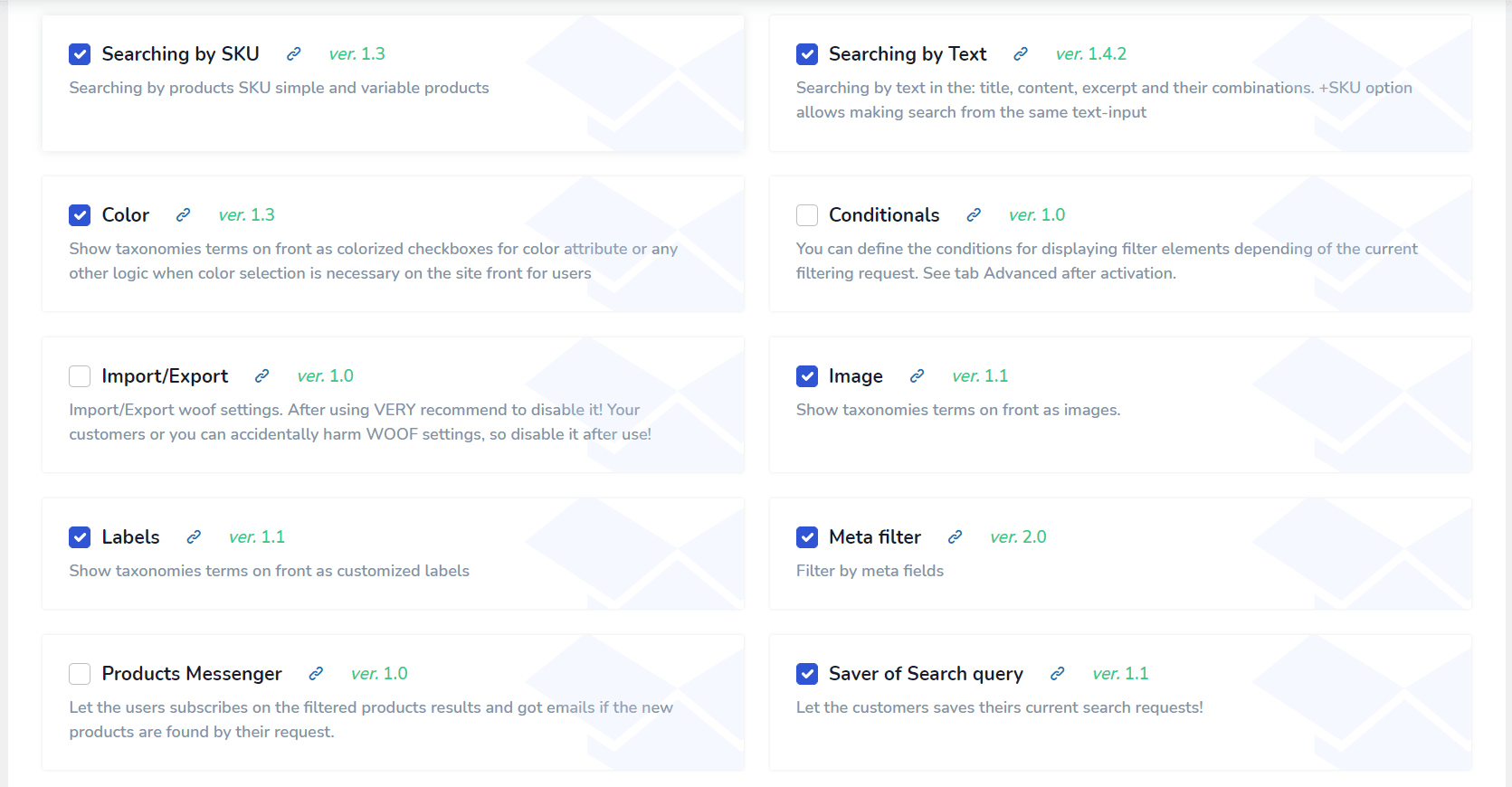
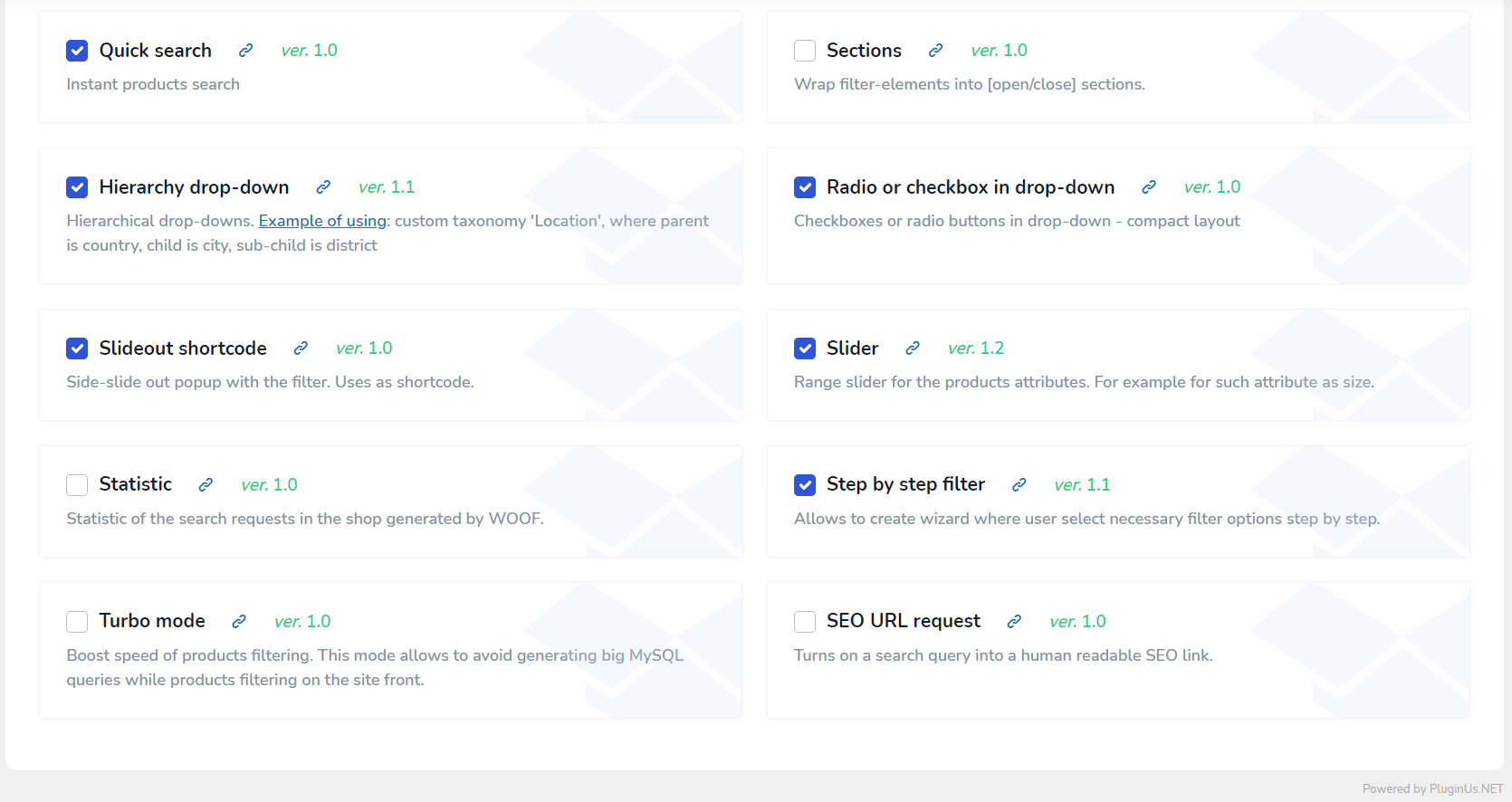
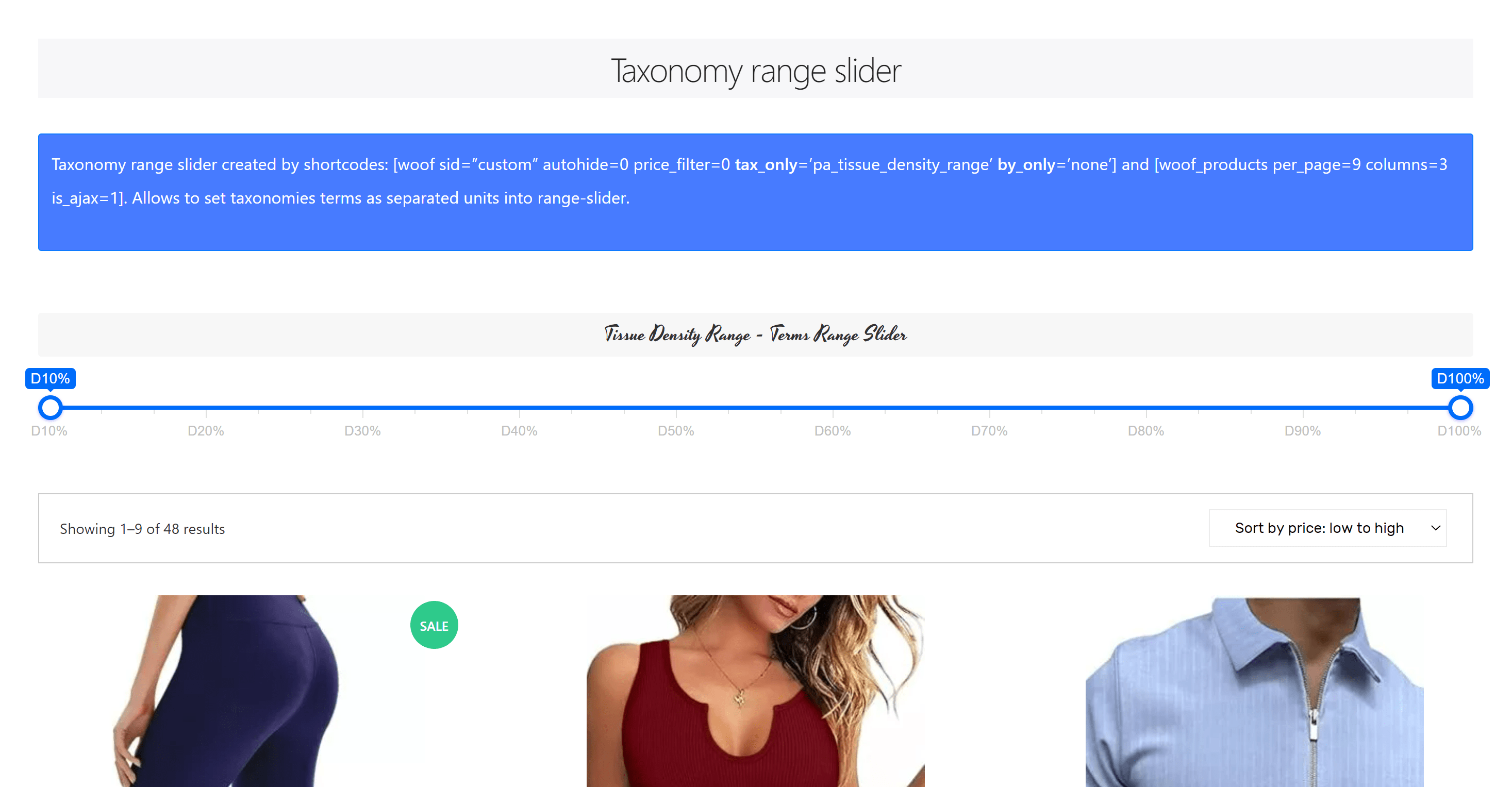
This e-commerce plugin boasts an array of extensions: Color, Image, Search by Text, Search by SKU, Taxonomy Range-slider, Hierarchy Drop-down, Labels, On-Sale Checkbox, In-Stock Checkbox, and more… If you're a WP+PHP developer looking to craft something unique for your project, HUSKY's extension API, along with the default extensions, can be your guide to creating almost any type of search form extension and even custom WooCommerce product loop templates for your specific needs. Experience maximum flexibility!
Extensions
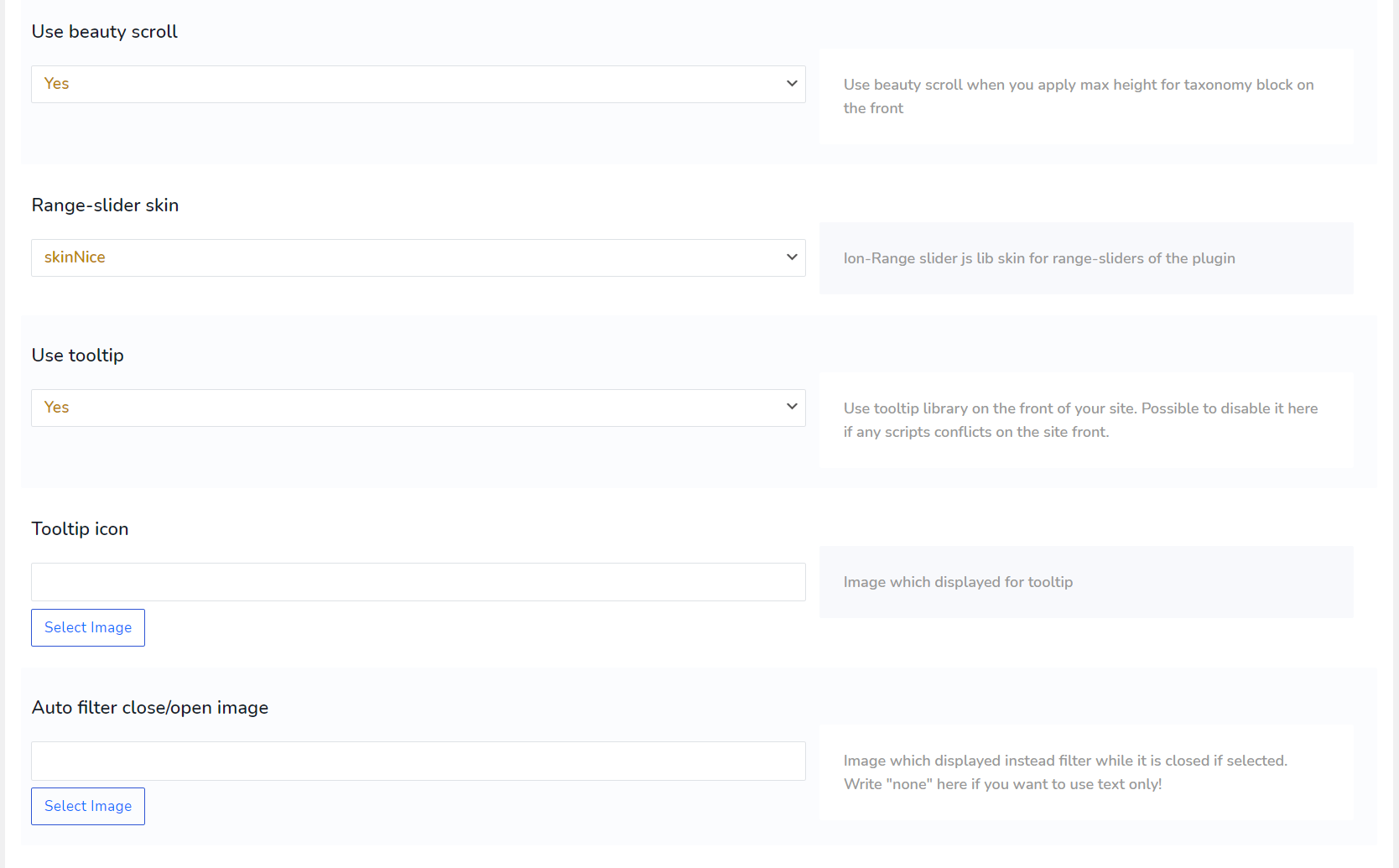
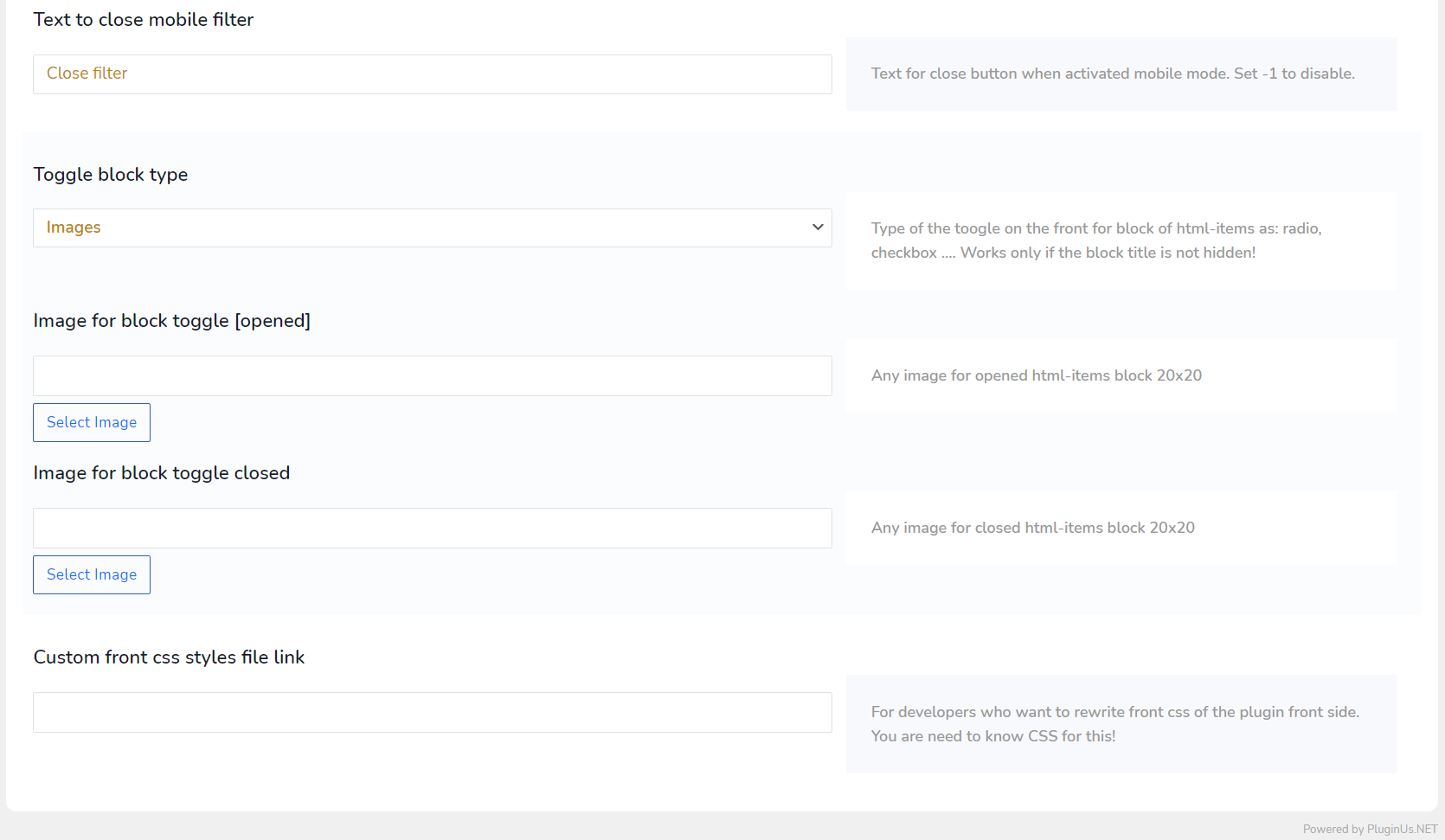
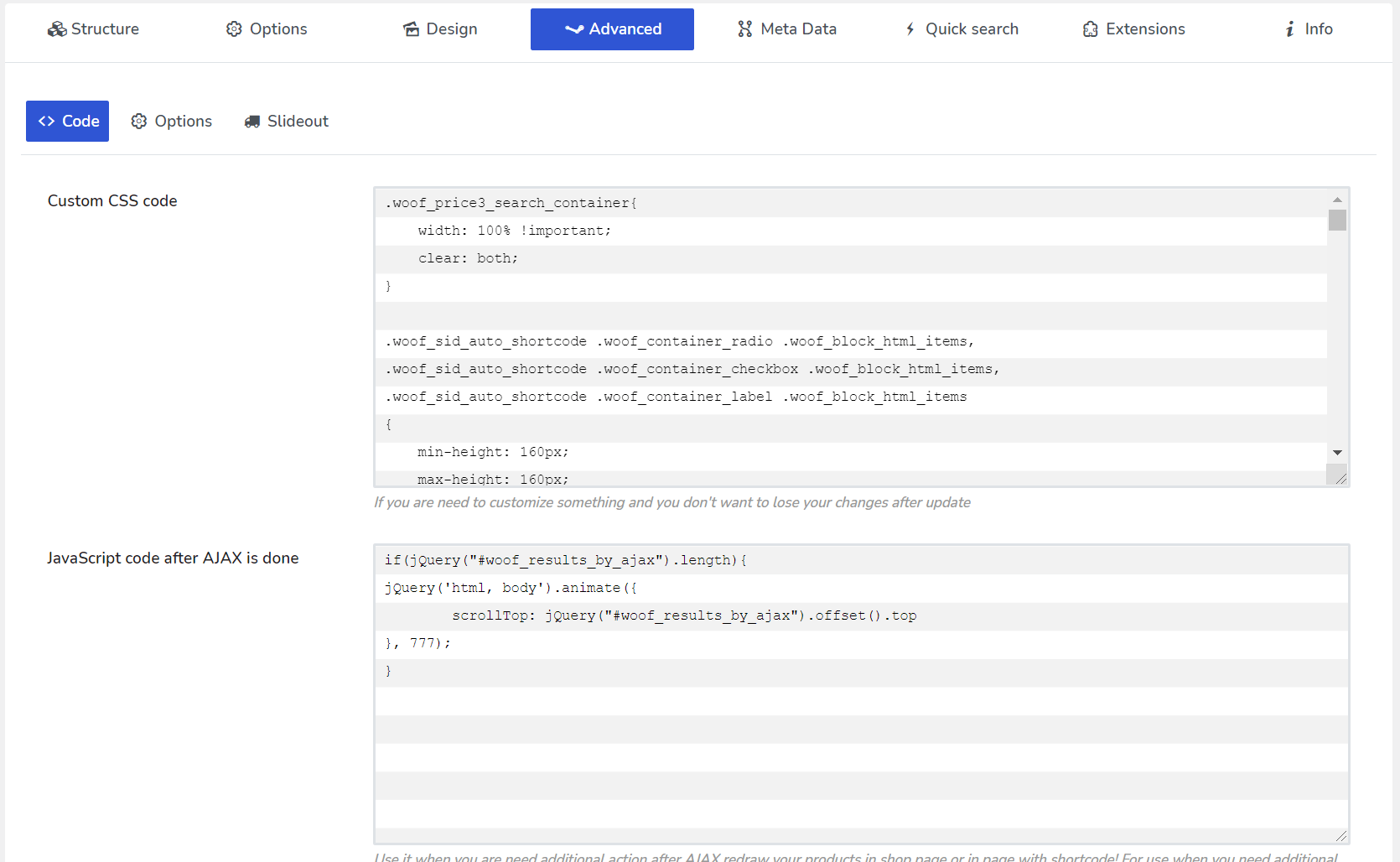
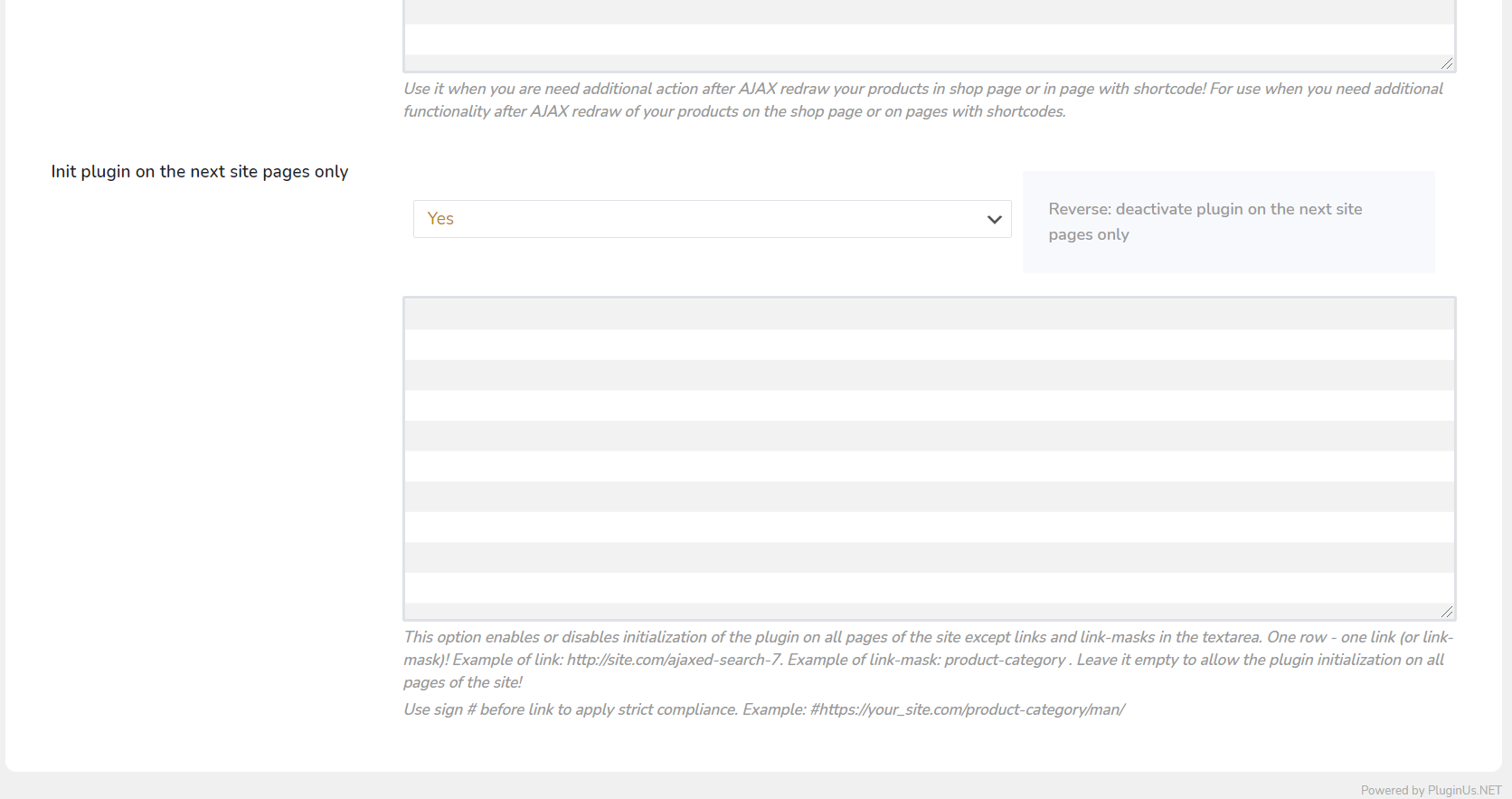
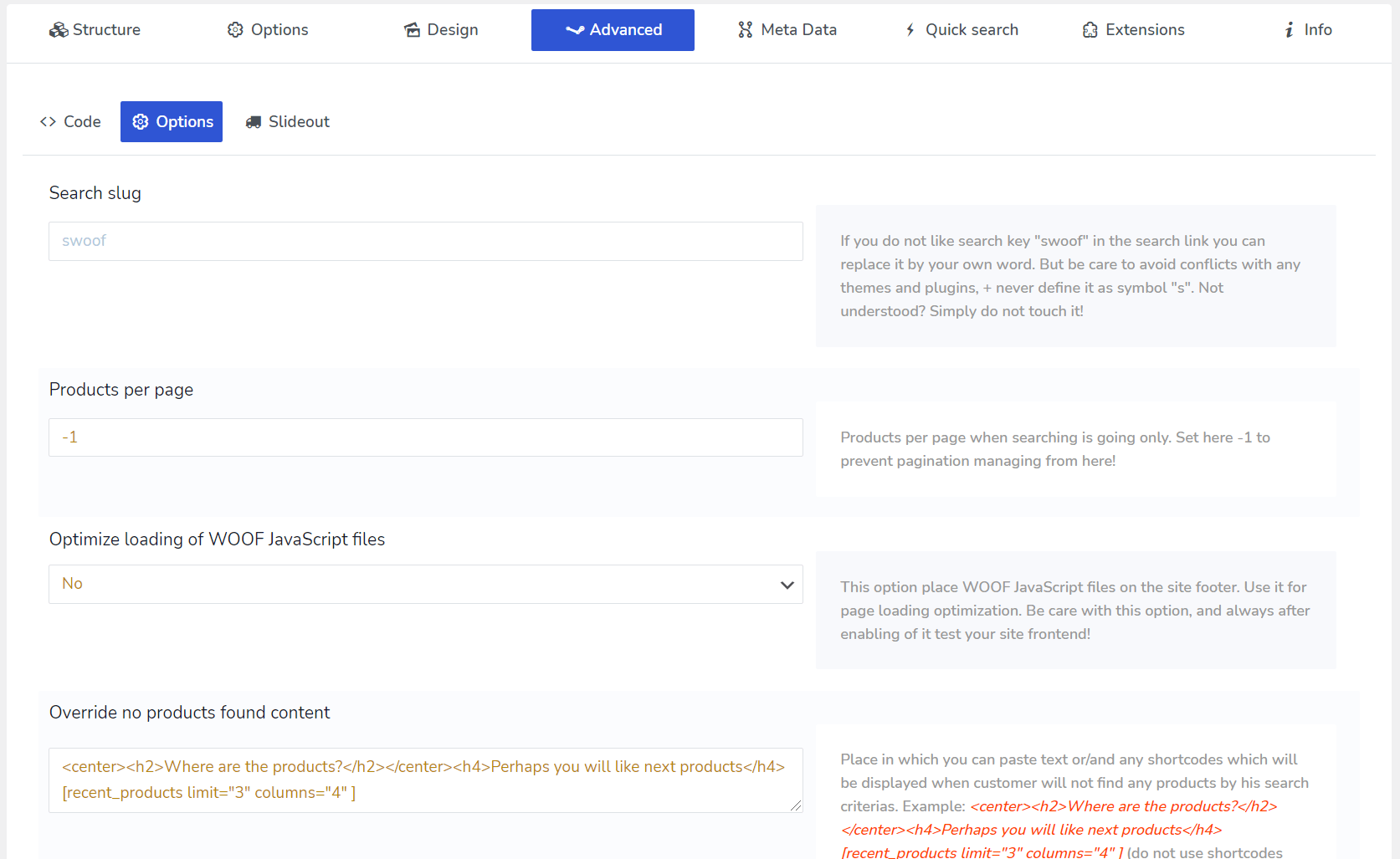
Enable extensions you need in special tab
Options
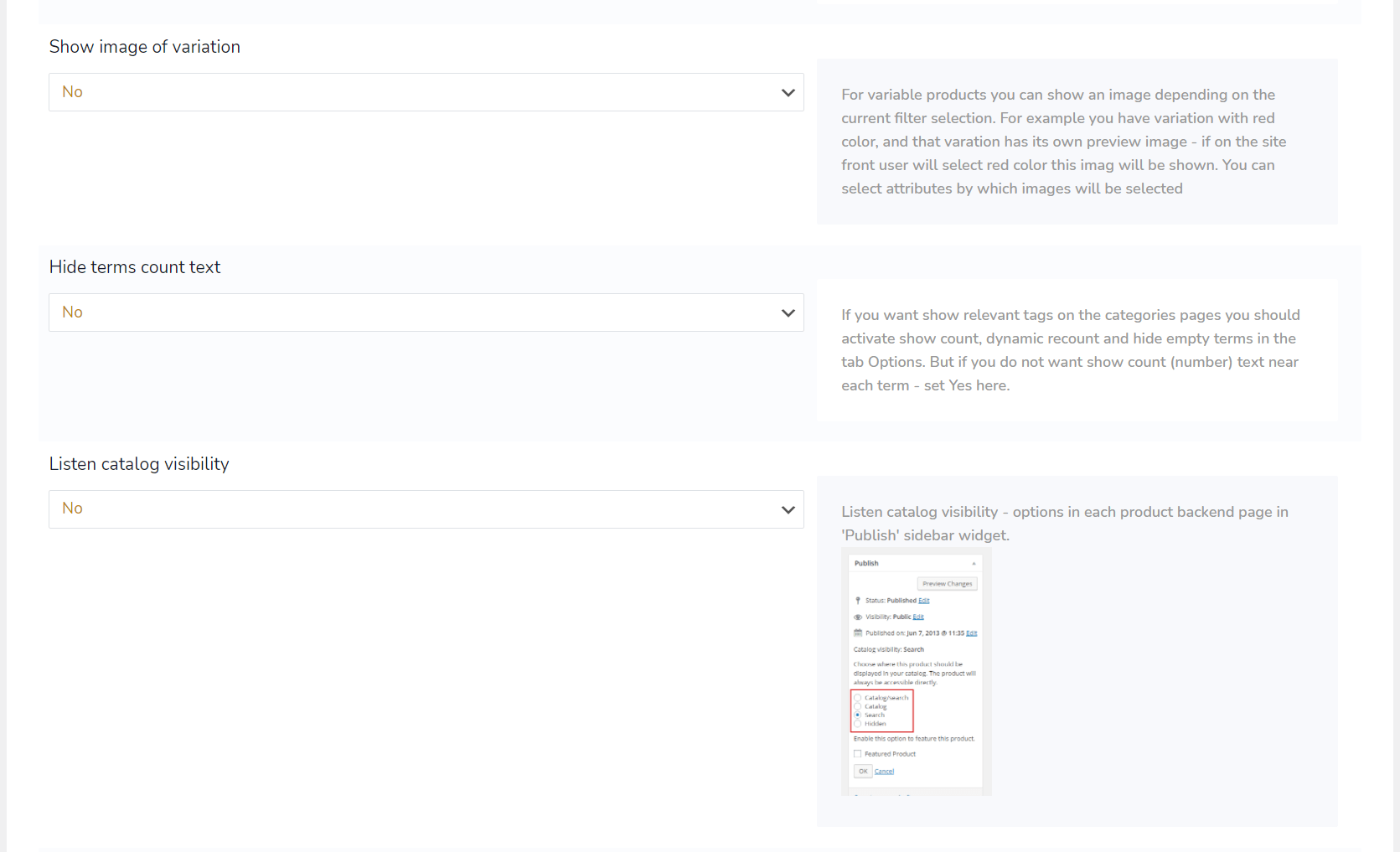
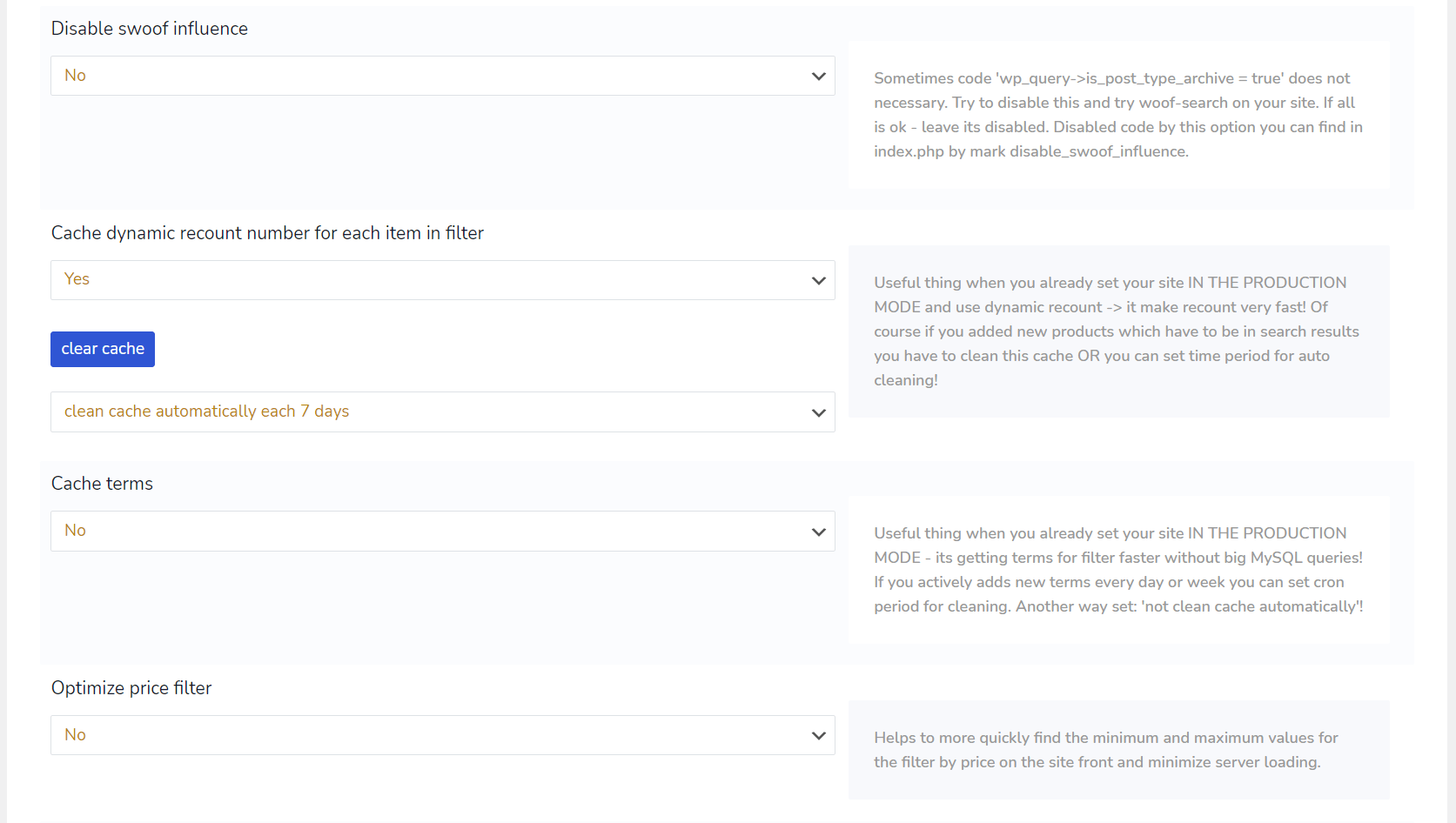
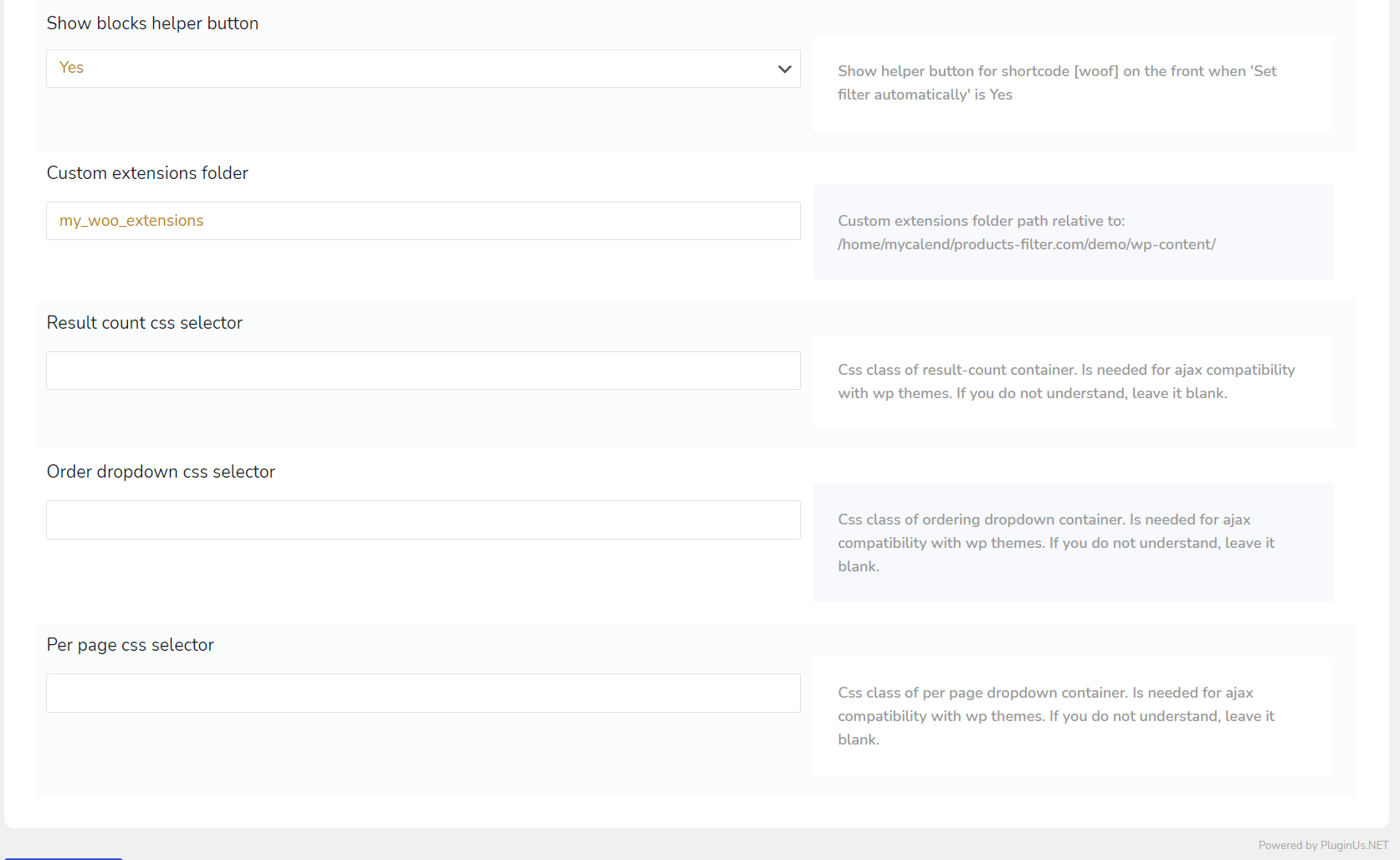
Set filter options according your business logic
Paste
Paste shortcode [woof] OR widget on a shop page (sidebar)
Enjoy the benefits of using our WooCommerce Product Filter plugin completely free of charge!
The free version of "HUSKY - Product Filter for WooCommerce" is available on WordPress.org and covers the core filtering work: categories, attributes, tags, custom taxonomies and price. Install it, set up your first filter, and upgrade only if you need the premium filter elements.
How this plugin can be useful for your business?
Begin using 'HUSKY - WooCommerce Product Filter' to offer your shop customers an attractive and straightforward product filtering experience. It's the simplest path to boosting your shop's profits.
Filters
The complexity is wrapped into ease
Flexibility
Bunch of options and rich API for customizations
AJAX
AJAX product filtering without page reloads keeps customers on the page while results update
Statistic
Analyze your customers search requests
Diversity
Options diversity gives you wide the set of tools
No fee
No any additional fee, pay 1 time for full functionality
API
Power API to control the product filtering of your shop programmatically
Profit
Give to customers ability to find they want and get more profit for the business
What Our Clients Said About HUSKY plugin
HUSKY - WooCommerce Product Filter' is a significant asset for businesses, with clients consistently pleased by its functionality.
Tried several plugins for my shops filter layout, and all were complicated to do very little. HUSKY is the opposite, clean option settings and works perfectly with my sites running Woocommerce and Flatsome. The one question i did have during setup was answered quickly and in a helpful way. Excellent Plugin ++
This is a very feature rich plugin and its one of the best I have come across so far for searching and filtering. The support as well has been phenomenal and the developer is happy to guide with any question. From the tutorial video that I watched before I purchased the plugin, till 3 months into using the plugin and configuring it to meet my clients VERY specific and particular needs, this plugin has not disappointed yet. All round a wonderful experience and probably the best one I have had with a plugin and its developer in all my years of Web Dev.
This filter is fantastic!! I resolved all my filter issues with one solution. And Thank You very much for support, they helped me quickly and efficient!! A++++++++++++
Great work. Very functional, flexible and effective filters. Used with the free plugin HUSKY CATEGORIES to dynamically display different filters for different product categories, its a must have.
Powerful and flexible product filter. Customer support excellent and patient with explaining things repeatedly until I understood how to implement my desired setup.
Customer Support is amazing. As they are patience to attend and willing to attend to your issues and challenges you may have with their Products (in my case HUSKY). And the HUSKY plugin is indeed a great extension for WooCommerce. As the Flexibility and Customizability makes your shop fluid and flexible for users to filter products. HUSKY is indeed an amazing extension any online shop owner should think of having in his/her of shop. Thank you, Pablo
Amazing product, great customer support, does everything you want, and if it doesnt, they will respond to your support request in 24 hours and walk you through customizations and anything else you need.
Super complete and flexible tool. The default version is already really good, but if we need to customize some parts, it is easy. Furthermore, I had some issues to configure a couple of features in my website and the customer support was 100% efficient to solve them. I recommend this plugin, its BY FAR THE BEST Product Filter plugin for WordPress.
I tried several other filtering plugins for woocommerce before landing on this one and I must say that this is the only wan that did the job for me. Great plugin :)
The best filtering plugin that i tried. The one who let me manage filter exactly as i want, especially with the hierarchy dropdown system. I needed to build a complex filter system and i done that only with Woof (i tried many others). Big flexibility, deep understanding of product filtering and friendly and active support! It is gold plugin.
This plugin is easy to set up and packed with features. I previously used another filter plugin which required knowledge of code and their documentation was lacking detail. With HUSKY it didnt take me long to set up a meta data slider and filters for custom taxonomies without editing any code. Easy to understand documentation and great support too!
My client loves this plugin and needed the PRO version. When we installed it our current theme broke part of the plugins functions. realmag777 were more than happy to investigate and fix the issue, now all is working perfectly. Thanks a million, great plugin, great support, well done.
Excellent Filter with many options! After trying a half dozen this is the only filter that has many options and flexibility! Support is responsive and exceptions! I wouldnt hesitate to buy this plugin if youre considering!
Хороший плагин, быстрая поддержка.
This products "hierarchy filtering" is just what I needed. This solution with the drop-down boxes is DIFFICULT to find as almost no one offers "hierarchy" filtering with drop down boxes. The support has been fantastic! I dont know how they do it but they always answer the following day with great suggestions. I really appreciate this company and how hard they work at this product.
Great customer support to help tweak this plugin. its the most comprehensive product filter I have found for Woocommerce.
Un buscador que funciona! Despues de mucho tiempo buscando, por fin he encontrado un buscador que realmente funciona, muchas gracias!!
Работа фильтра очень нравится. Данный фильтр работает отлично.
It does what is supposed to do. Even Filter by brand catching the strings of brands from other plugin. Great job. I just think that the funcionality to hide the empty terms should be free.
Absolutely LOVE this plugin. The level of detail in this plugin is fabulous, it does things I thought I would have to add myself – like honouring the catalog visibility. I love how I can create menus and use '?swoof=blah' in the URL to create HUSKY pages that can then have additional filtering added. This plugin gives way more away for free than I'd expect, and as a result I shall being upgrading once my shop is live just to support the author.
Logros de HUSKY
"HUSKY - WooCommerce Product Filter" es uno de los plugins de filtro WooCommerce más instalados en sitios de negocio WordPress.
¡Empieza ahora!
Empieza a usar 'HUSKY - WooCommerce Product Filter' para que tu tienda sea más amigable y agradable para los clientes.
Preguntas frecuentes
Si tienes alguna pregunta, consulta nuestras preguntas frecuentes para encontrar respuestas.
Ideas
Si tienes una idea, ¡nos encantaría conocerla! Compártela con nosotros.
Soporte
Si tienes preguntas sobre la funcionalidad del plugin o has encontrado un error, por favor escríbenos.
¿Tienes preguntas?
Si tienes consultas previas a la compra o técnicas, no dudes en contactarnos en nuestra página de soporte.
¿HUSKY cumplirá mis requisitos?
+
Determina si HUSKY es adecuado para ti sin riesgo instalando la versión gratuita del plugin.
¿Necesito renovar la licencia de la versión premium anualmente?
+
No, según las reglas de Envato, pagas la licencia (para 1 sitio) una sola vez. El soporte se puede renovar si es necesario.
¿Cuáles son las diferencias entre la versión gratuita y la premium?
+
Para más detalles sobre las diferencias, visita la página de descargas.
¿Cómo se gestionan las actualizaciones y correcciones?
+
Monitorizamos continuamente los cambios en el motor de WooCommerce. Si encuentras algún problema, repórtalo a nuestro equipo de soporte y lo resolveremos.